
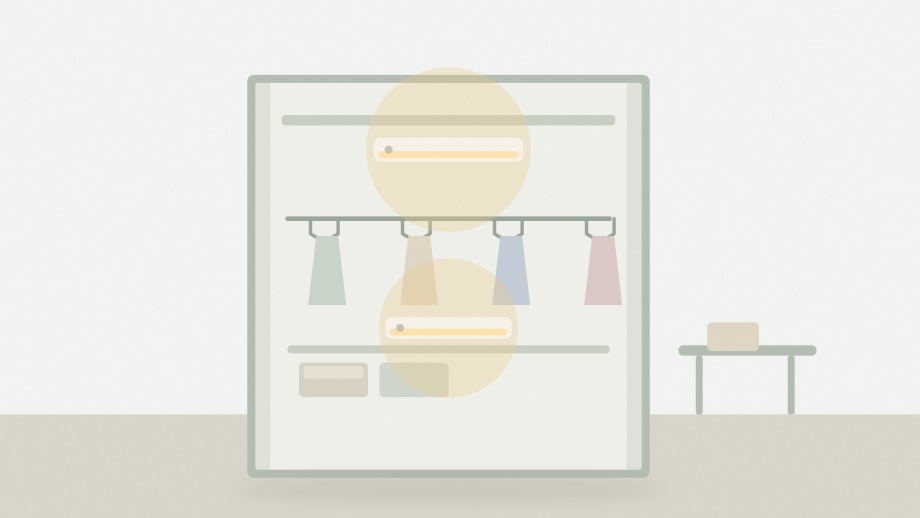
Place motion-sensor light bars where you need light for a few seconds, not where you need it constantly: under a shelf or above a hanging rail, with the sensor facing the opening and the battery cover easy to reach. This two-pack is battery powered, switches on in low light when it detects movement, and mounts with a magnetic patch. The listing does not publish detection distance, the delay before switch-off or expected battery life, so plan around those unknowns rather than assuming a figure.
1. Choose cupboard or wardrobe mounting positions
The best position is the one that lights the task without shining in your eyes. In a wardrobe, mount a bar under the top shelf so it shines down on the rail, or on the side wall at shoulder height so it lights the clothes rather than the ceiling.
Check the door swing before you stick anything down. A bar mounted too close to the door edge can be knocked off, and a sensor that faces the door may switch on every time the door moves. Leave a small gap between the bar and any moving part.
Magnetic mounting is convenient because it lets you remove the light for battery changes, but it needs a flat, clean, smooth surface. Raw timber, textured plastic and dusty paint may not hold well. Clean the surface, let it dry, and press the patch firmly before attaching the bar.
The listing says the set is for indoor use. A wardrobe, cupboard, shelf or hallway cupboard fits that description. Do not assume it is suitable for a bathroom, a shed or an outdoor cupboard, because no moisture rating is given.
2. Check how the motion sensor is triggered
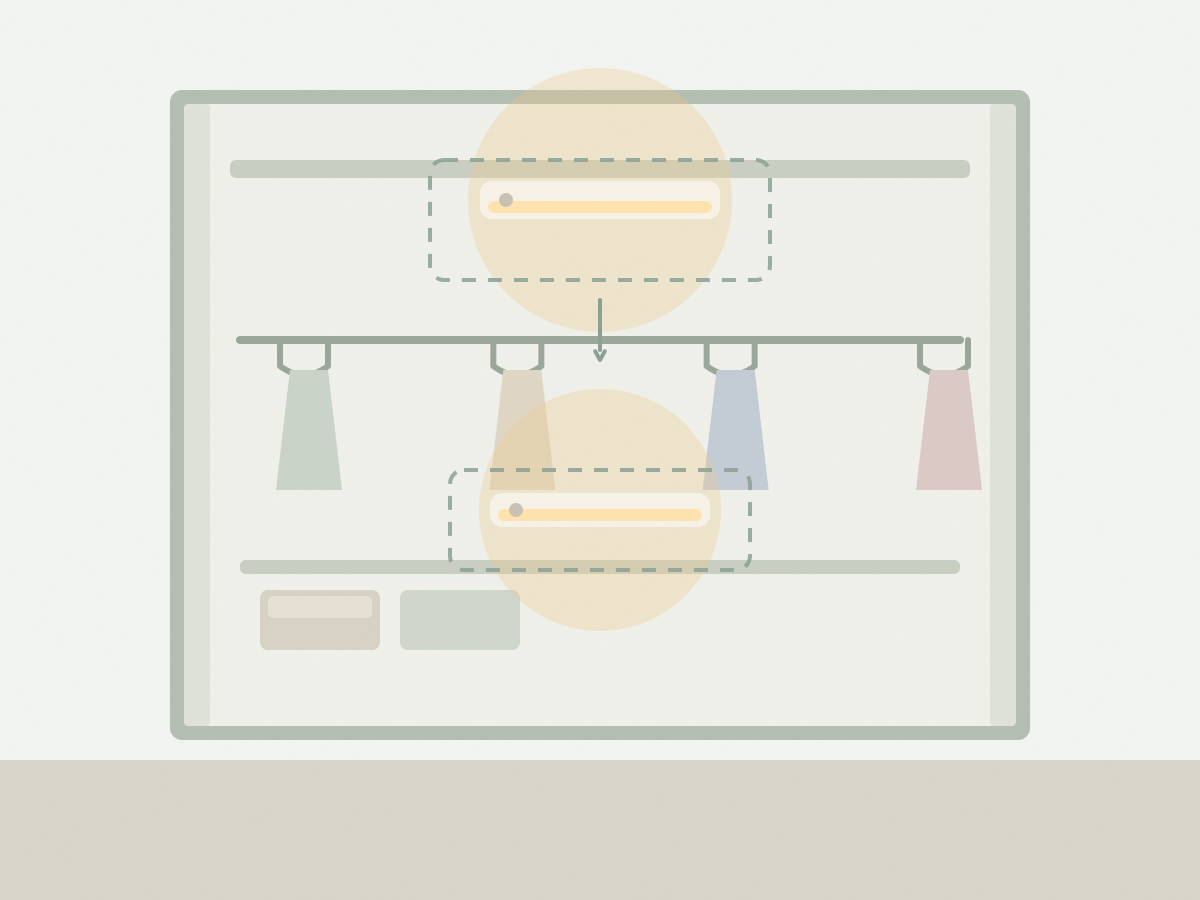
The listing says the light switches on automatically in darker conditions when movement is detected, then turns off after a short delay. That combination means two things have to be true: the room must be dim enough, and something must move within the sensor’s field.
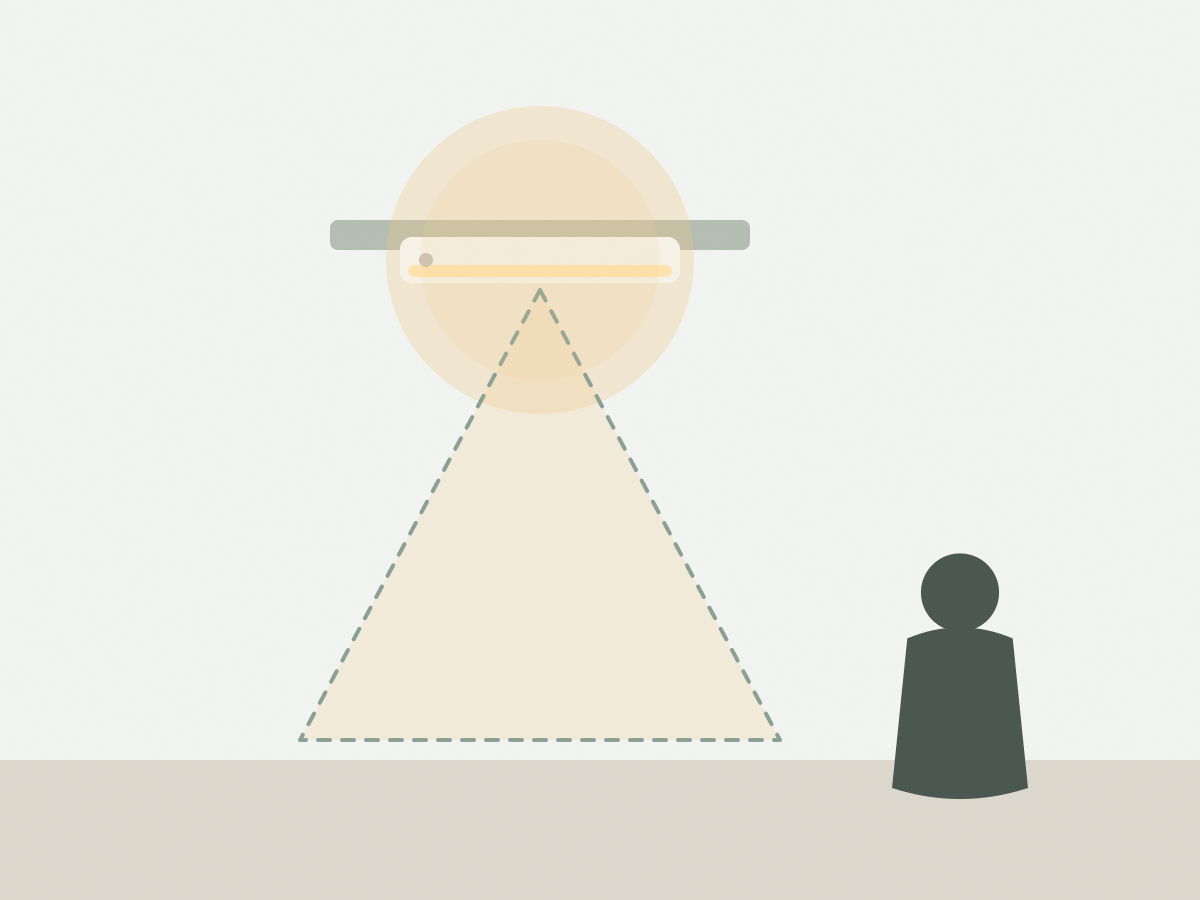
Sensor direction matters. Point it across the opening rather than at the back wall, so a hand or a body entering the wardrobe crosses the field. Test it with the door open and the room light off, then again at dusk. If it triggers too early or too late, adjust the angle rather than moving the bar repeatedly.
The page does not state the detection range or the delay length. That is why a test period matters. A light that stays on for a long time is convenient in a wardrobe but wasteful in a cupboard you open constantly. A very short delay can leave you in the dark while you are still reaching for something.
Pets and moving curtains can trigger a motion sensor. If the bar is in a room where that happens, mount it higher or angle it away from the floor.
3. Confirm battery type and access
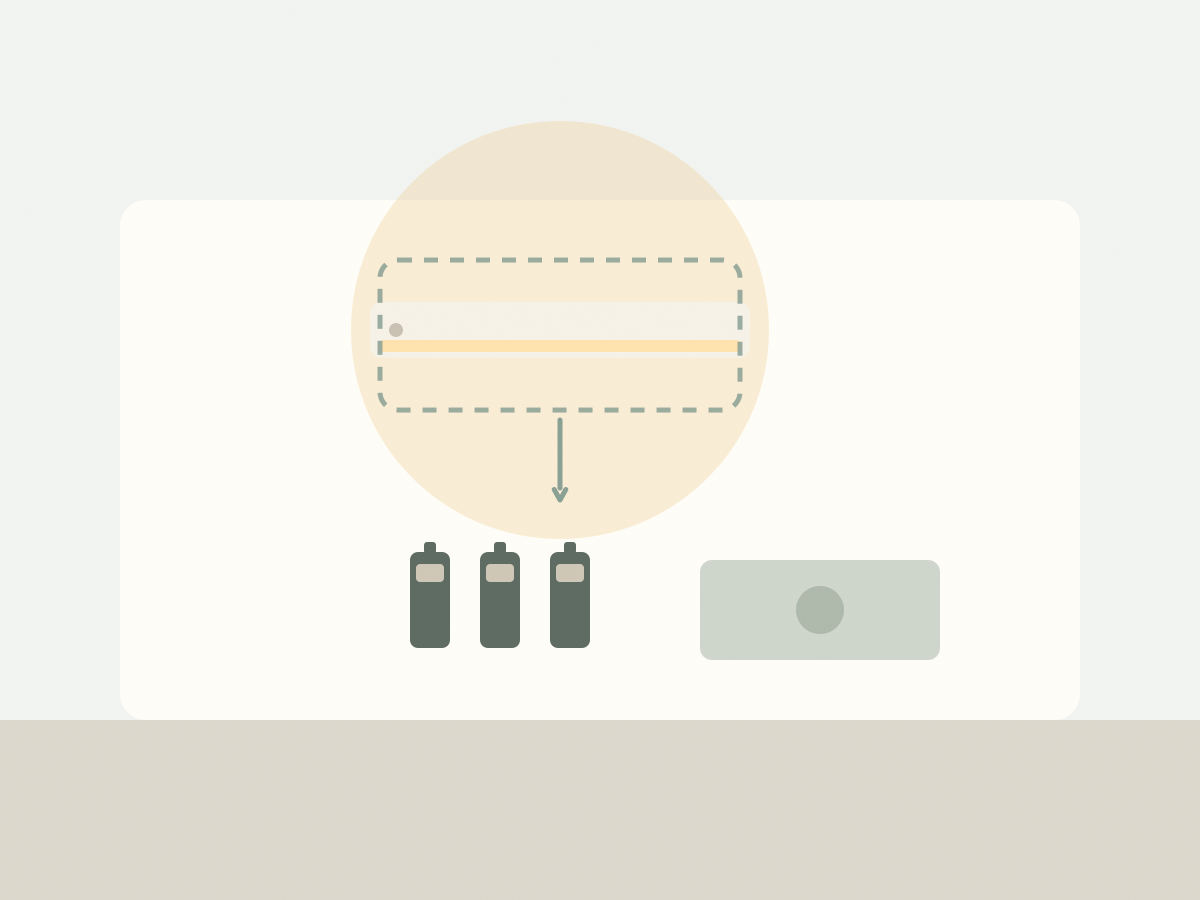
AAA batteries are required and are not included, according to the listing. It does not say how many each bar needs, whether rechargeable AAA cells are suitable, or how long a set lasts. Buy a pack of reputable alkaline AAA batteries at the same time so you can test both bars immediately.
Plan access before mounting. A bar under a shelf can be easy to remove, but one at the back of a deep cupboard may require emptying the shelf to reach the battery cover. The magnetic patch helps here: check that you can pull the bar off and put it back with one hand.
Battery life depends on how often the light triggers and how long it stays on, so the same set can last very differently in a wardrobe and a hallway cupboard. Keep a spare set of batteries nearby and replace them when the light becomes dim rather than waiting for it to fail completely.
Do not mix old and new batteries, and check the polarity markings before closing the cover. If a battery leaks, remove it promptly and clean the contacts according to the battery manufacturer’s advice.
4. Plan a two-light placement layout
Two bars are most useful when they cover two separate zones rather than doubling up in one small space. A common split is one bar in the wardrobe and one in a linen cupboard, or one above a rail and one over a shoe shelf.
If both bars go in the same wardrobe, place them at different heights so the upper and lower sections are both lit. Overlapping pools of light look better than two bright spots with a dark gap between them.
Think about how you use the space. A bar that lights the rail helps you choose clothes; a bar that lights the floor helps you find shoes. The sensor should face the side you approach from, not the back of the cupboard.
Finally, check the mounting surface for both locations before you commit. If one cupboard has a rough or fabric-lined interior, the magnetic patch may not hold, and you may need a different mounting method that the listing does not describe.
The two-pack of motion-sensor light bars is a simple way to add light without wiring, as long as you accept battery changes and test the sensor behaviour. Confirm the battery count and mounting surface before you install them.
Before you buy: a short checklist
- Check the mounting surface is flat and clean.
- Confirm the bar clears doors and shelves.
- Buy AAA batteries separately.
- Ask how many batteries each bar needs.
- Confirm the light is for indoor use only.
- Test the sensor delay before final placement.
- Plan two separate zones for the two bars.
- Check the current price, stock and shipping on the listing.
Two common questions
Are batteries included in the two-pack?
No. The listing states that AAA batteries are required and not included, so add them to your order or buy them locally.
How long does the sensor keep the light on?
The listing says the light turns off after a short delay but does not give a time. Test it after installation and ask the seller if the delay is adjustable.