

Built-in cables remove one thing to forget, but they also fix the connectors you can use. This VEEKTOMX bank lists 10,000mAh, 30W output, PD 3.0, QC 3.0, PPS and AFC support, plus a built-in Lightning cable and a built-in USB-C cable. The listing claims an iPhone 15 reaches 50% in 30 minutes and mentions MacBook Air, Steam Deck and Galaxy S24 Ultra. Check the rated capacity, the input port and what each cable actually supports before relying on it for a trip.
1. Check built-in cable connectors before buying
The two built-in cables are a Lightning connector and a USB-C connector. Lightning suits iPhone models up to the iPhone 14 generation, plus older iPads and some accessories. USB-C suits the iPhone 15 and later, most Android phones, modern tablets, headphones and small devices. If your phone uses micro-USB, neither cable will help without an adapter.
Built-in cables are convenient but not indestructible. They bend at the connector, they cannot be replaced if they fray, and their length is not stated. Check how the cable stows and whether the connector sits flush when not in use.
The listing does not state how many devices can charge at once, or whether the bank has extra ports beyond the built-in cables. If you need to top up a phone and earbuds together, ask before buying. Also check which port charges the bank itself; a built-in cable is an output, not necessarily an input.
Case compatibility matters. A thick phone case can stop a short built-in connector from seating fully. Remove the case if the connection feels loose, and never force a plug.
2. Distinguish advertised 10,000mAh from usable phone-charge output
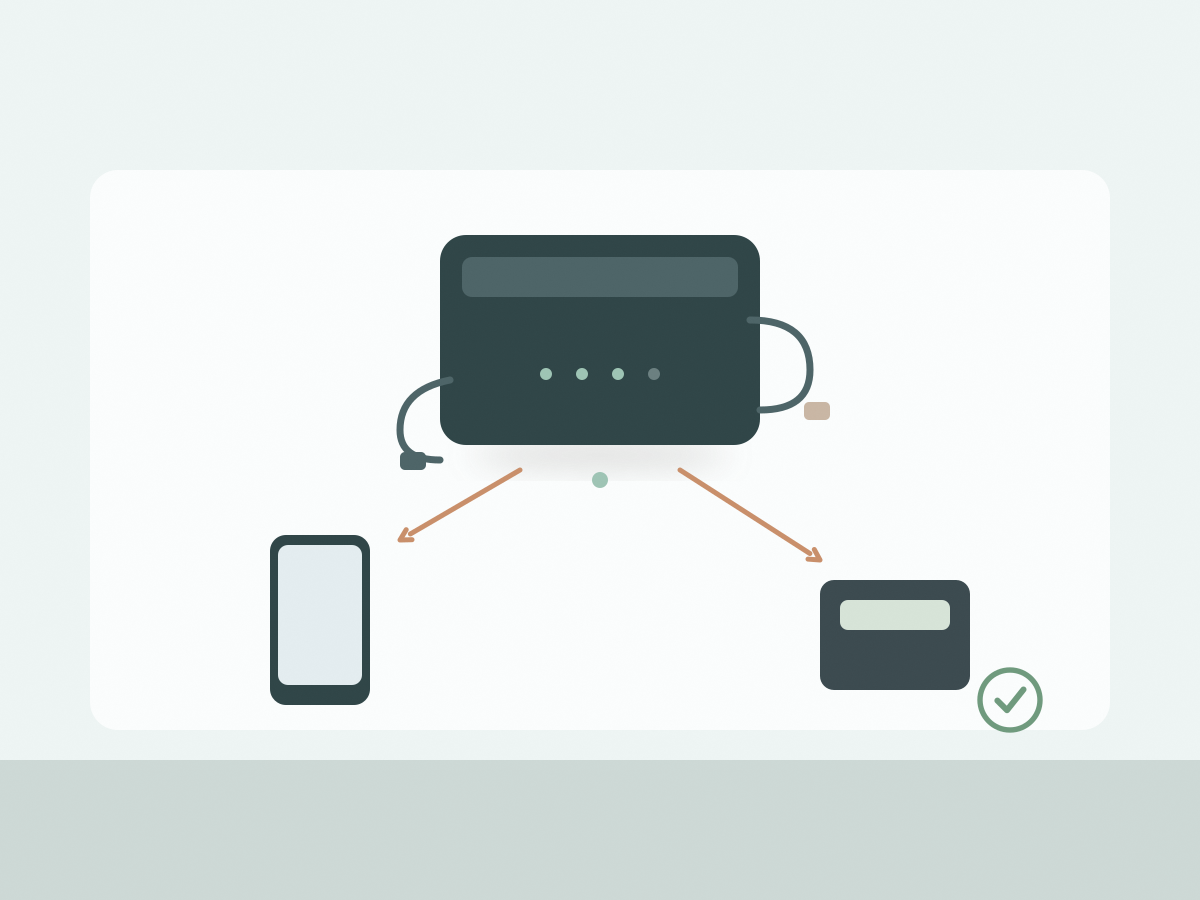
The 10,000mAh figure describes the capacity of the internal cells, usually measured at the cell voltage. The bank then converts that to the higher voltage your phone expects, and some energy is lost as heat in the process. That is why the usable output is lower than the headline number.
Look for a rated capacity on the label or in the manual. It is often expressed in mAh at 5V, and it is a better guide to real output than the cell capacity. The listing does not provide a rated capacity, so you cannot calculate an exact number of phone charges from the source data.
Charging speed, cable length, phone battery size and whether the phone is in use all change the result. A small phone may get two or three useful top-ups; a large phone with a high-capacity battery may get closer to one and a half. Treat any claim of a specific number of full charges as an estimate until you test it.
For air travel, the figure that matters is watt-hours. A nominal 10,000mAh pack is roughly 37Wh, but confirm the printed rating on your unit and check your airline’s current rules. Lithium batteries generally belong in carry-on baggage, not checked luggage.
3. Explain what the 30W claim does and does not imply
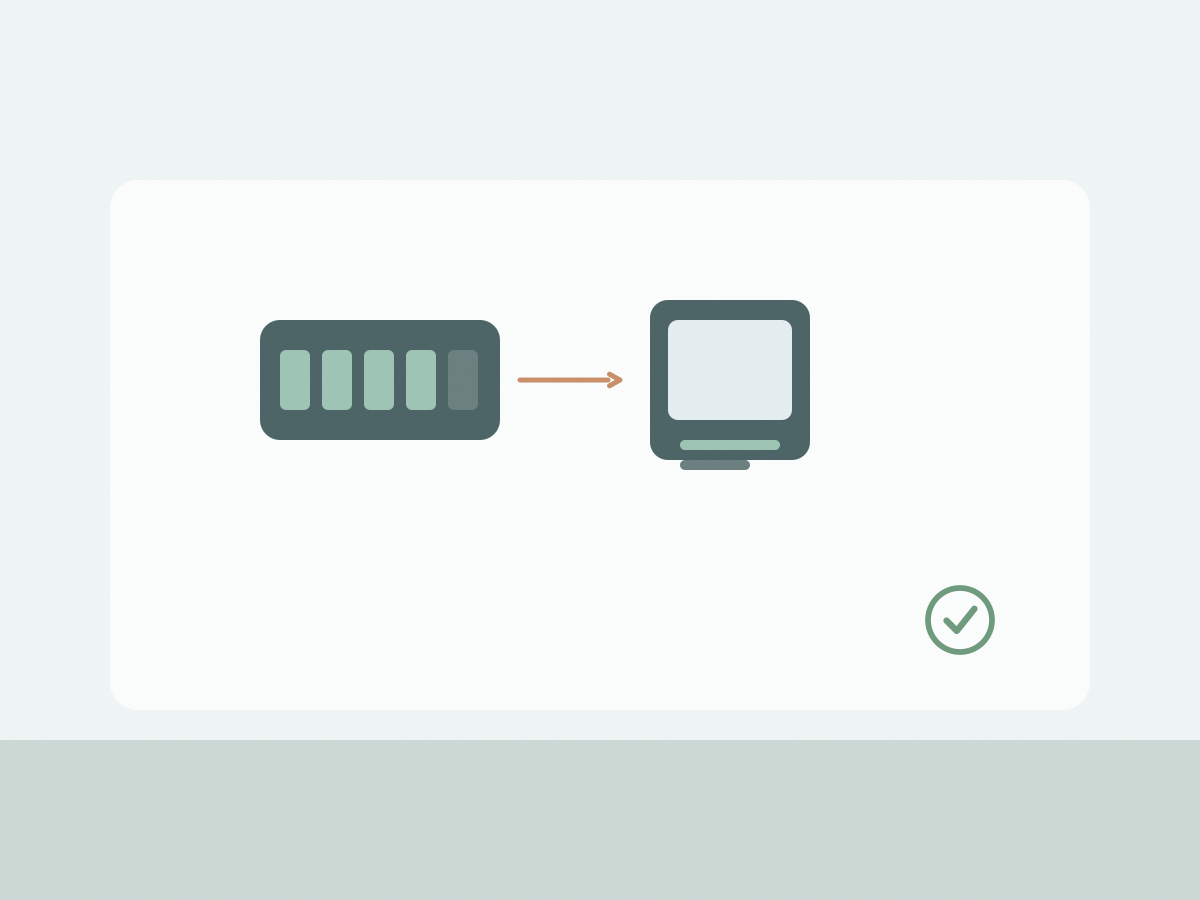
30W is a maximum output figure, not a promise for every device. It depends on the protocol the device negotiates, the cable in use and the port. The listing names PD 3.0, QC 3.0, PPS and AFC, which covers many Android phones and USB-C laptops, but support can vary by model.
The USB-C cable is the likely path for the full 30W, because PD and PPS are USB-C protocols. The Lightning cable may charge an iPhone quickly, but it will not deliver the same power as USB-C. If your phone uses PPS, check that the bank supports the right voltage range, not just the protocol name.
The claim that an iPhone 15 reaches 50% in 30 minutes is a seller figure. It depends on the phone’s starting charge, temperature and whether the screen is on.
A 30W bank can run a MacBook Air or a Steam Deck, but it may not keep up with heavy use. A laptop that draws more than 30W will still drain, just more slowly. Check the device’s required charger wattage before you plan to work from the bank all day.
4. Plan everyday travel charging
Charge the bank the night before you travel, and take the cable or charger it needs for its own input. The output cables are built in, but you still need a way to refill the bank. Confirm the input connector and whether it supports fast recharging.
Keep the bank in your carry-on rather than a checked bag, and do not leave it in a hot car or in direct sun. If the case feels swollen, stop using it and dispose of it at an authorised battery recycling point.
For a day out, a 10,000mAh pack is a reasonable compromise between weight and capacity. The listing calls it compact and lightweight but does not give a weight, so check that figure if you plan to carry it in a pocket.
Built-in cables reduce clutter, but a short adapter or spare USB-C cable is useful for a hotel room.
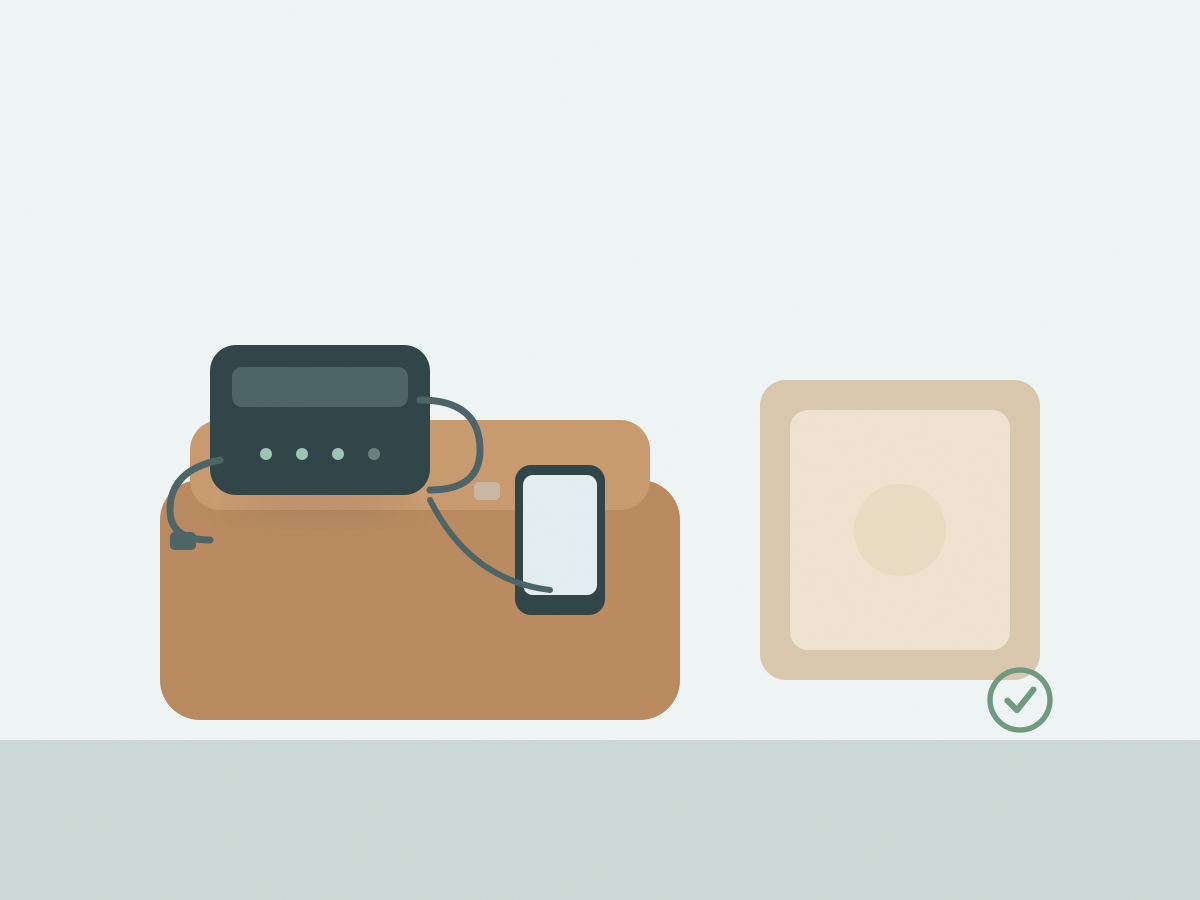
The VEEKTOMX 10,000mAh power bank is a practical travel option if your devices match its two built-in connectors. Confirm the rated capacity, the input port and the maximum output for your phone before you depend on it.
Before you buy: a short checklist
- Check that Lightning or USB-C matches your devices.
- Confirm how the bank itself is recharged.
- Ask for the rated capacity, not just 10,000mAh.
- Check whether both cables can be used at once.
- Confirm the maximum wattage for your phone or laptop.
- Treat the 50% in 30 minutes claim as a seller figure.
- Check the printed Wh rating before flying.
- Check the current price, stock and shipping on the listing.
Two common questions
How many complete phone charges will it provide?
The listing does not state a rated capacity or a charge count. The real number depends on your phone’s battery, the cable and the charging conditions.
Which built-in cables are shown in the listing?
A Lightning cable and a USB-C cable. The listing does not state their length or whether they can be replaced.