




Overview
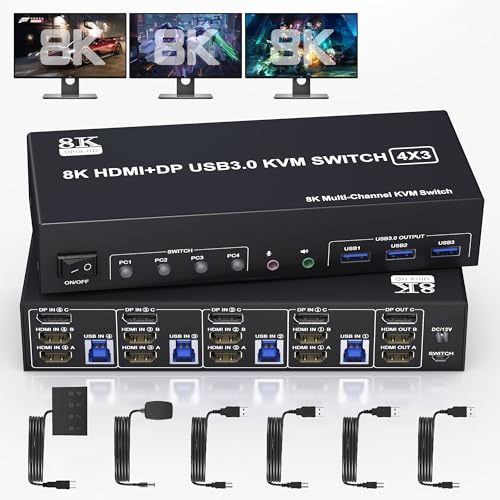
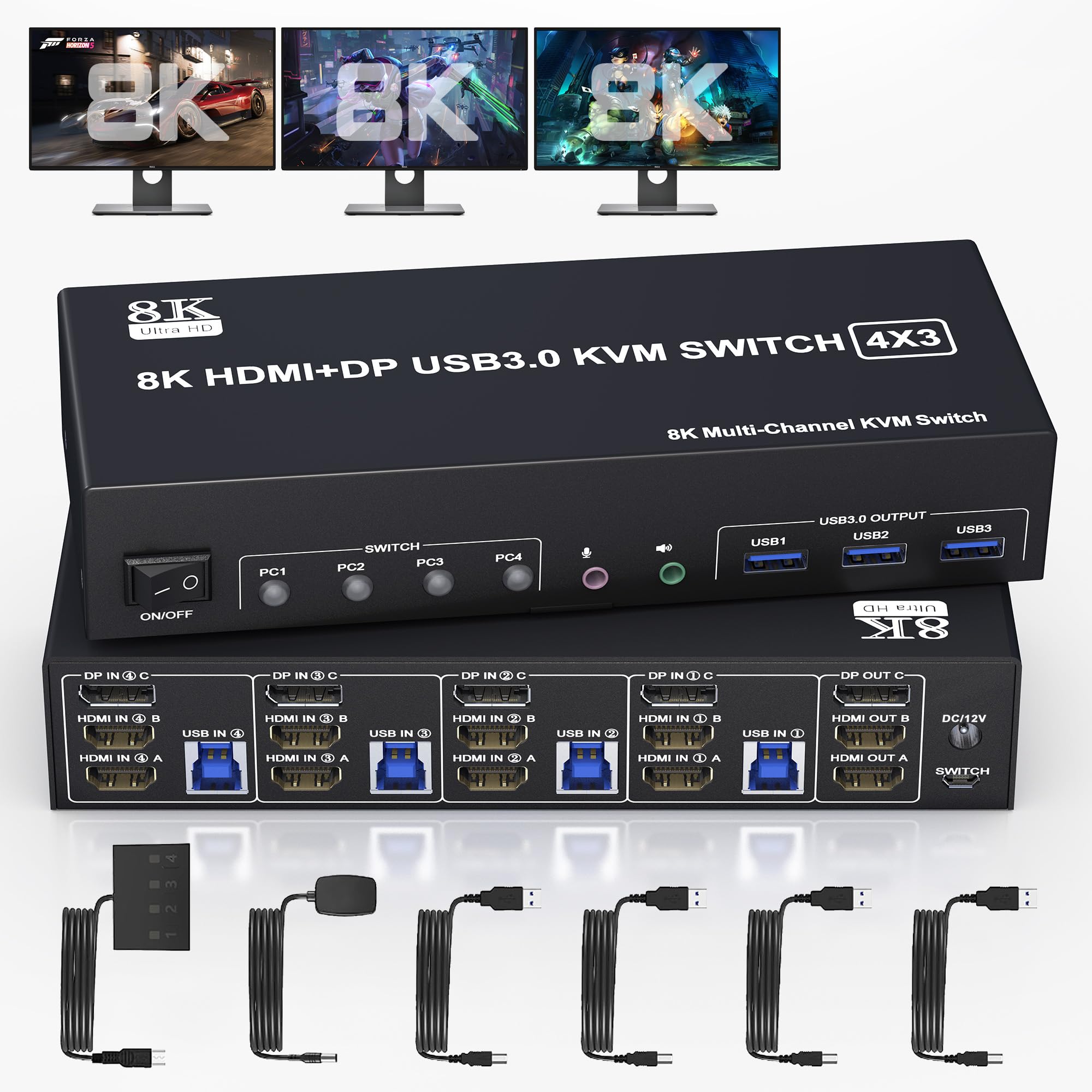
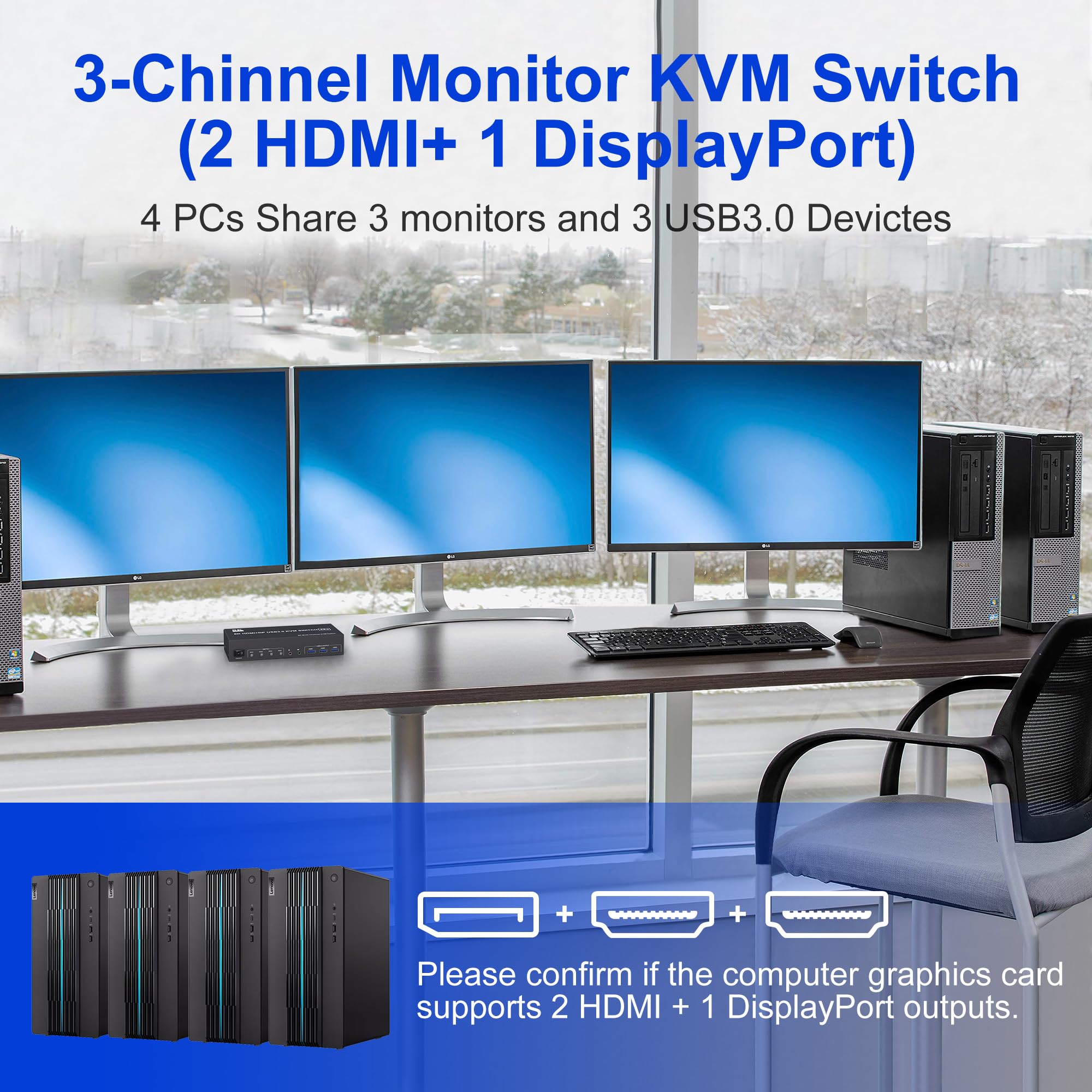
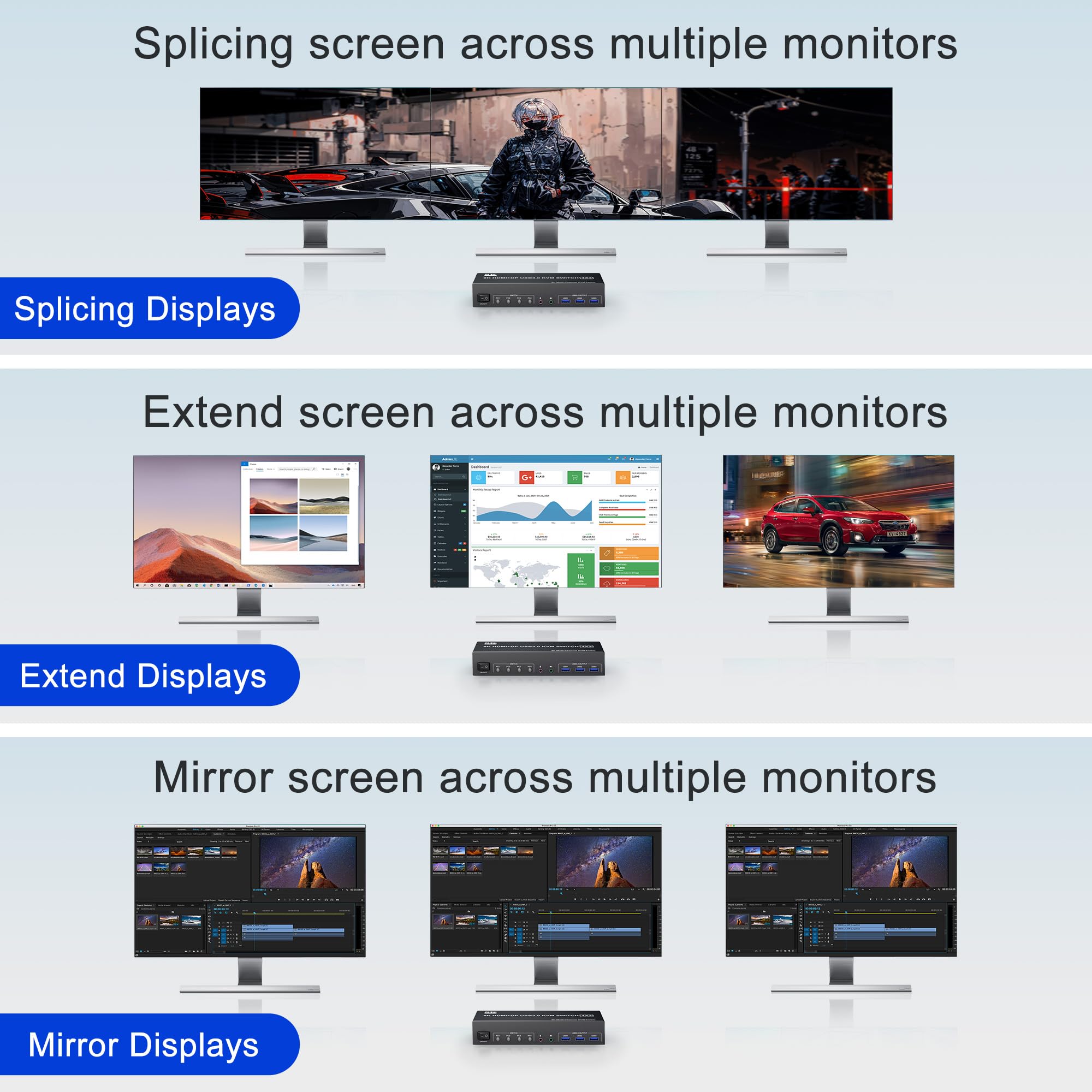
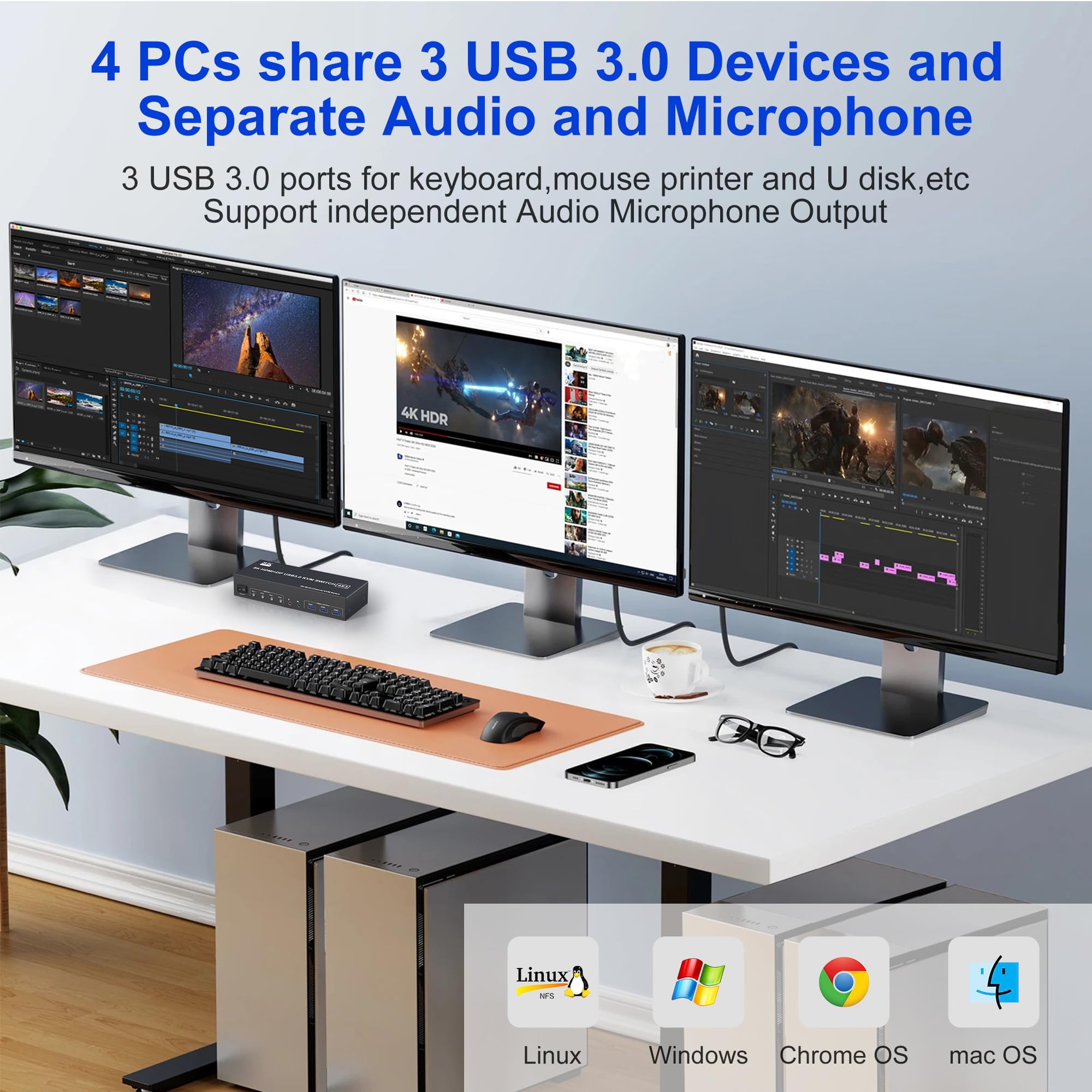
This 4-port triple monitor KVM switch lets four computers share one keyboard, one mouse and up to three displays through 2 HDMI outputs and 1 DisplayPort output. It is designed for desk setups that need quick switching between multiple PCs without unplugging monitors or USB devices.
Key Features
- 4 computers sharing 3 monitors through 2 HDMI + 1 DisplayPort.
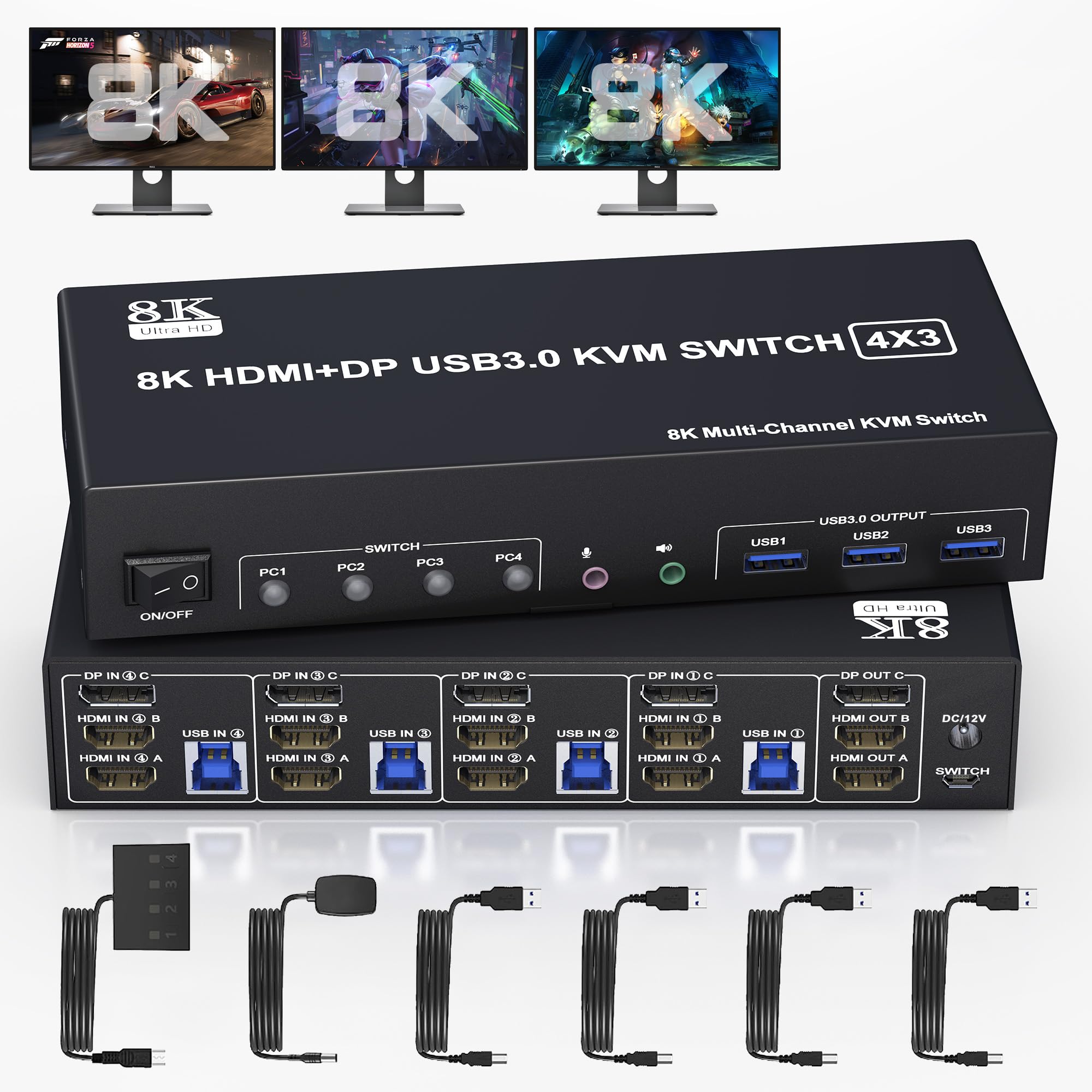
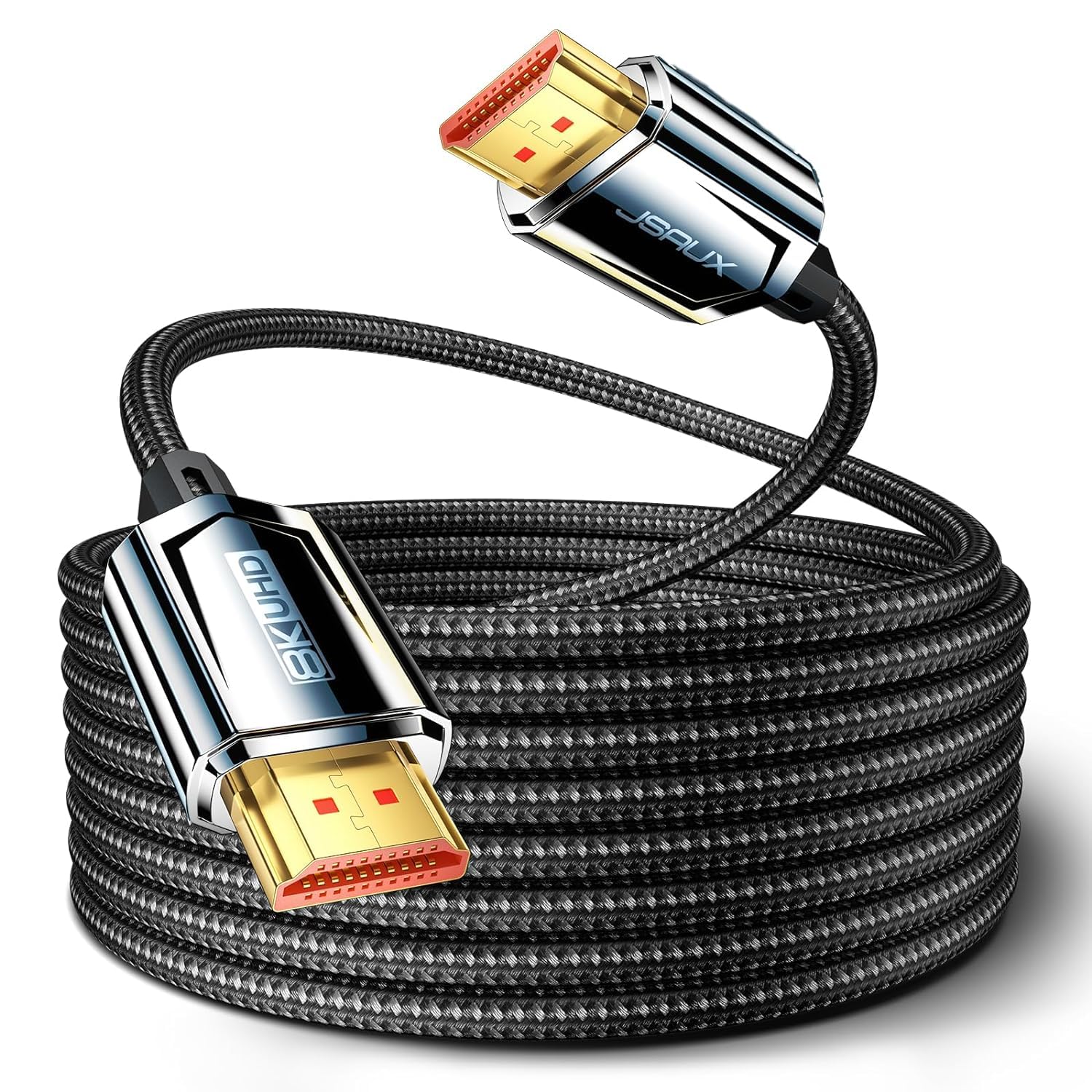
- Supports HDMI up to 8K@60Hz and DisplayPort up to 8K@30Hz / 4K@144Hz, subject to your connected devices.
- 3 USB 3.0 ports for keyboard, mouse, USB drives and other accessories.
- 3.5mm audio and microphone output for workstations and call setups.
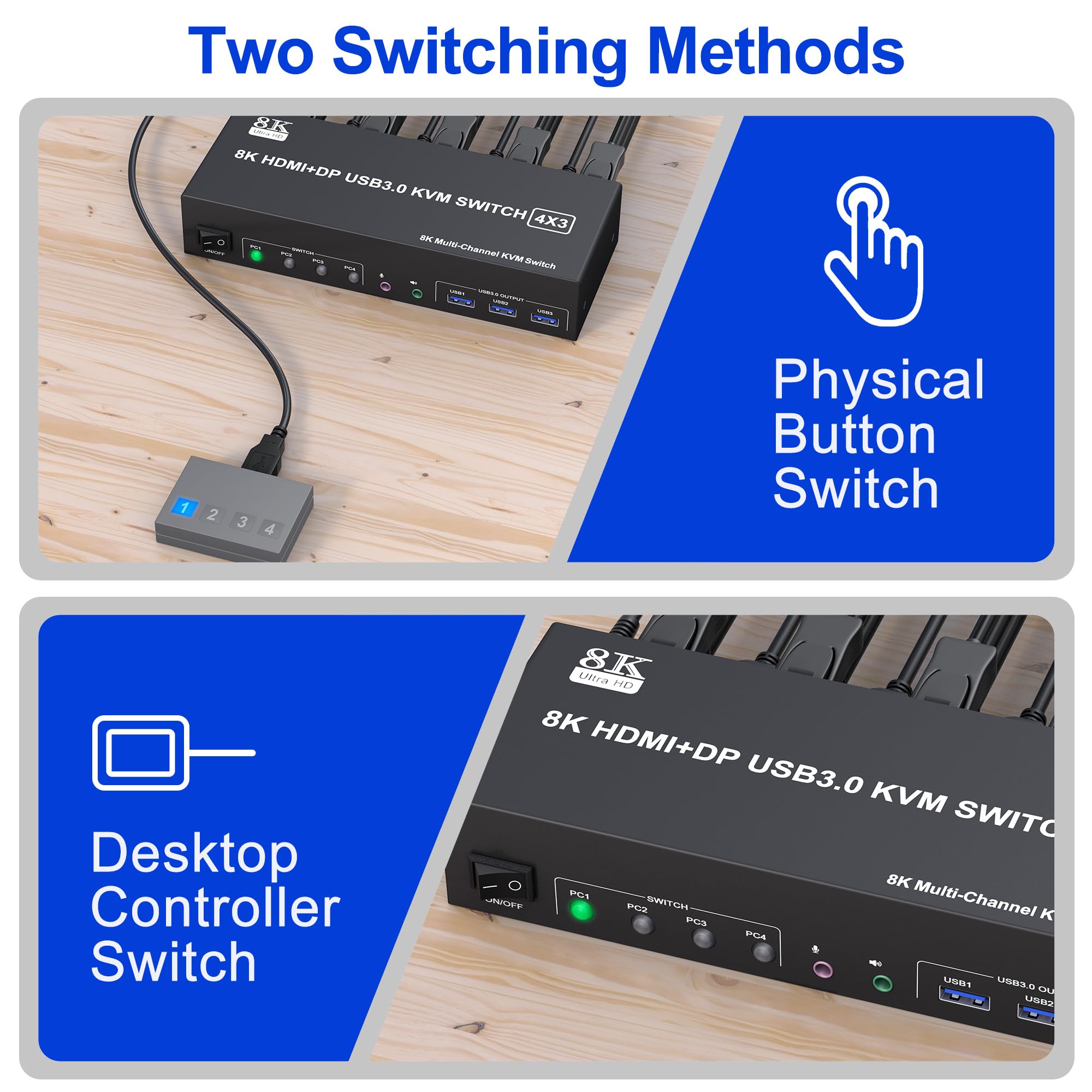
- Front panel button and wired remote switching.
- Plug and play with Windows, macOS, Linux, Unix, Ubuntu and Raspberry Pi systems.
Before You Buy
- Each connected computer must support triple-display output.
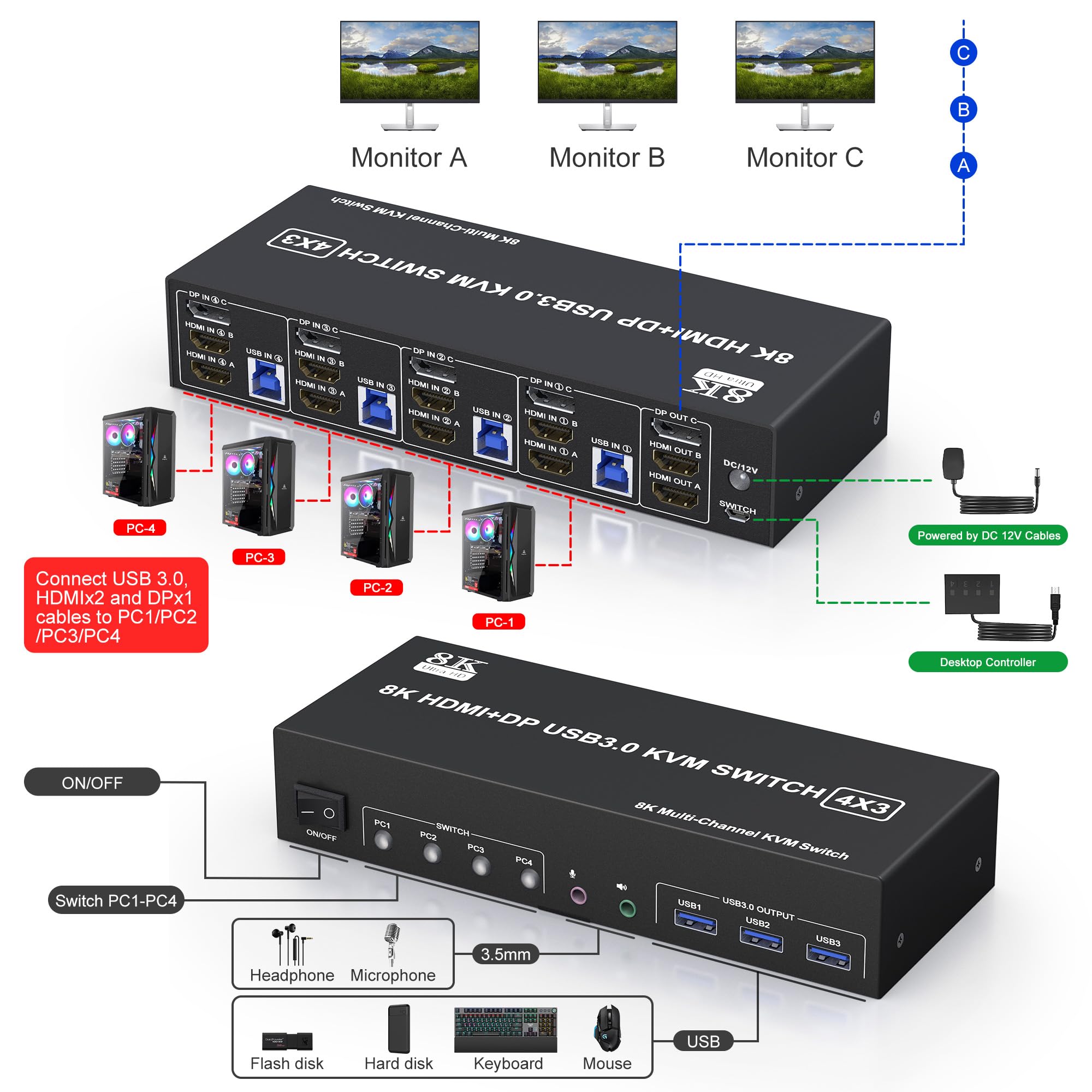
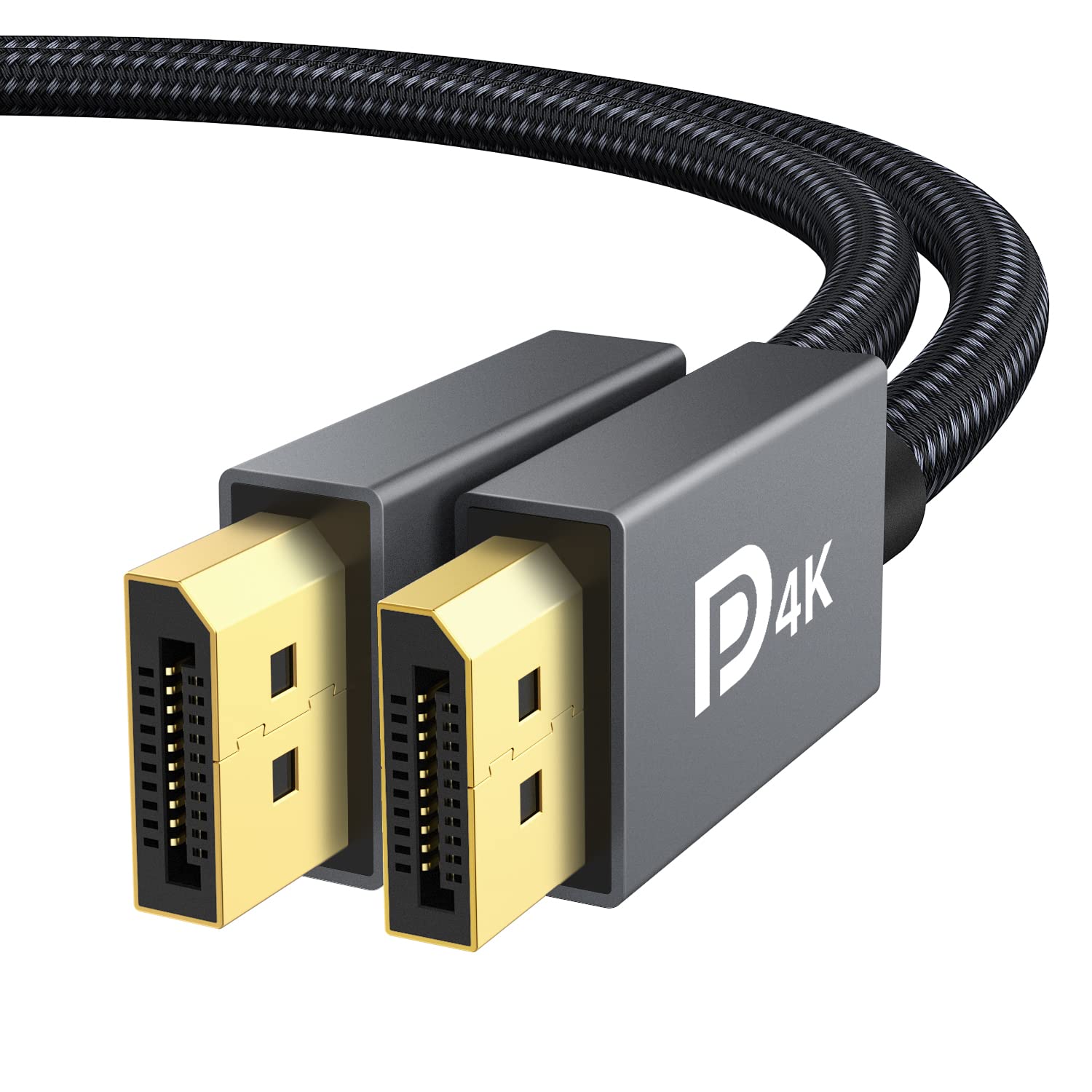
- Each computer needs 2 HDMI cables, 1 DisplayPort cable and 1 USB cable connected to the KVM for full triple-screen operation.
- Final resolution depends on your graphics card, monitors, adapters and cables.
- HDMI and DisplayPort cables are not included.
Installation Notes
- Connect the included 12V power adapter to the KVM switch.
- Connect 2 HDMI cables and 1 DisplayPort cable from the KVM outputs to your monitors.
- For each computer, connect 2 HDMI inputs, 1 DisplayPort input and 1 USB input to the matching PC port group on the KVM.
- Connect your keyboard, mouse and optional USB devices to the USB 3.0 output ports.
- Use the panel switch or wired remote to change between computers.
Compatibility
- Operating systems: Windows, macOS, Linux, Unix, Ubuntu, Raspberry Pi and other major systems.
- Protocols: HDMI 2.1 and DisplayPort 1.4.
- Extra ports: USB 3.0, audio out, microphone in.
What’s in the Box
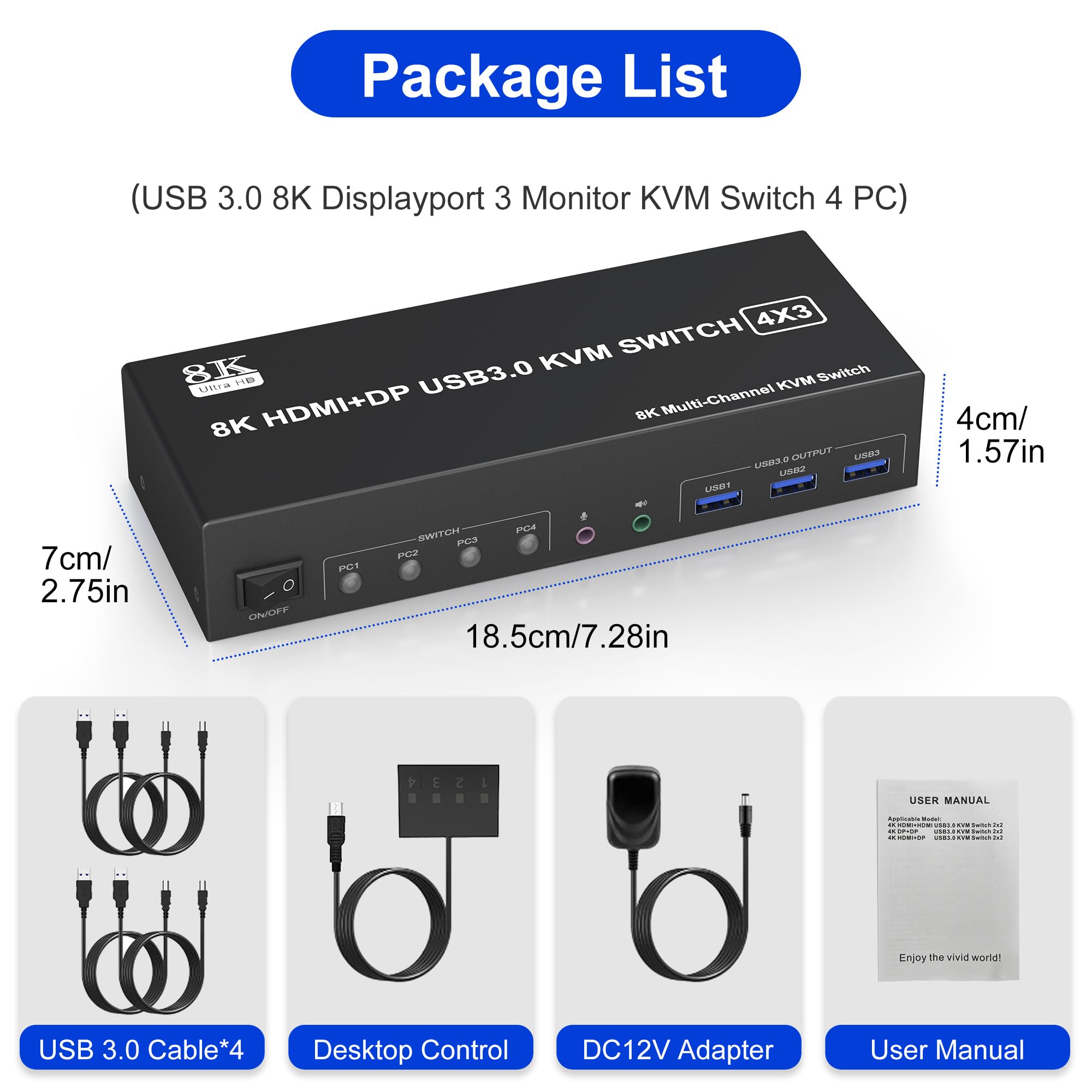
- 1 x 4-port triple monitor KVM switch
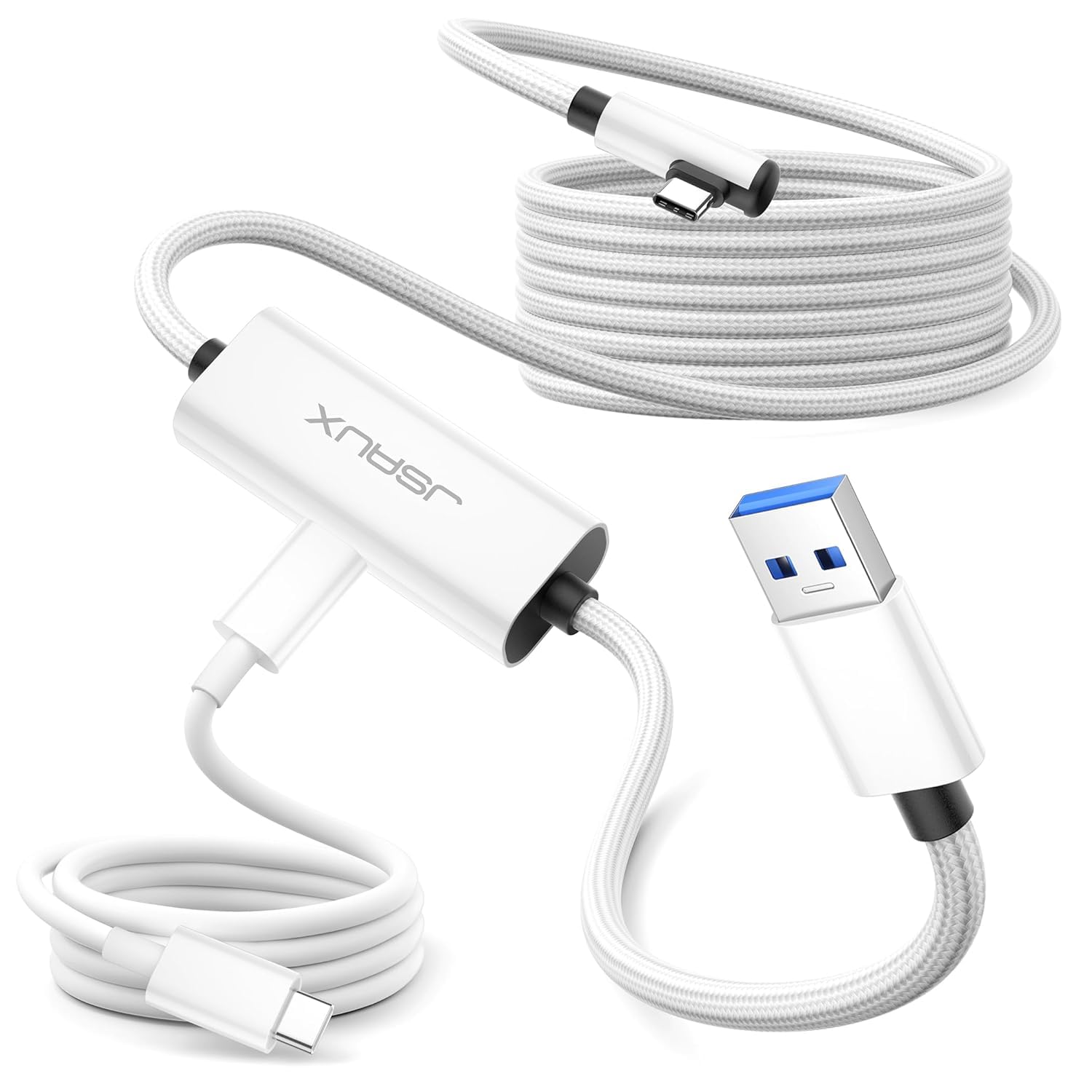
- 4 x USB 3.0 cables
- 1 x power adapter
- 1 x wired button switch
- 1 x user manual