
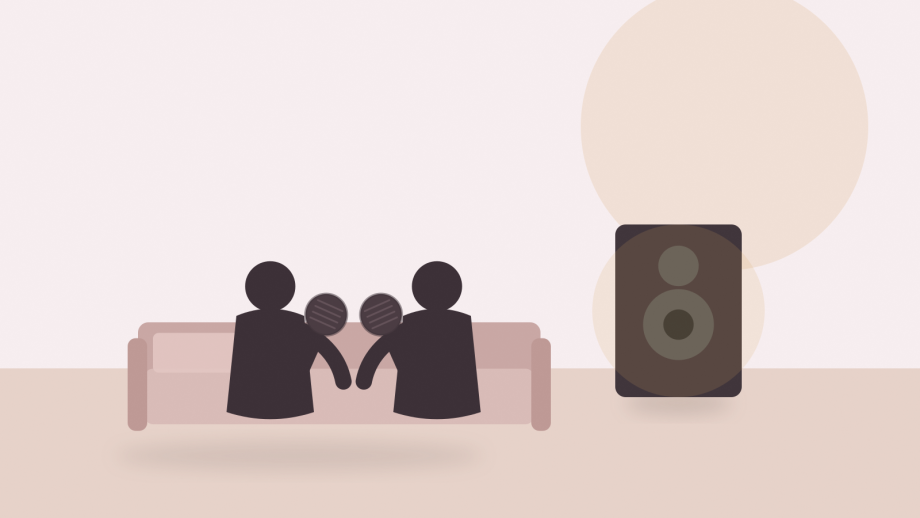
Plan a home karaoke setup by working backwards from the audio system you already own. Two handheld microphones and a receiver solve the wireless part, but they still need somewhere to send the sound. This OZShopper set includes two rechargeable handheld microphones and a plug-in receiver, with cardioid dynamic heads and a UHF link. The listing does not state the receiver’s output type, the included cables, the operating range or the available channels, so confirm those four details before you buy.
1. Identify how the two microphones connect to the receiver
The listing describes two microphones and one receiver, and says the set suits duets, MC work and family karaoke. That strongly suggests both microphones can be used at the same time, but the page does not explain pairing, channel selection or what happens if two sets are used in neighbouring rooms.
Ask the seller how each microphone is matched to the receiver. Some sets pair automatically when powered on, some have a fixed channel per microphone, and some let you switch channels to avoid interference. The last option matters if you plan to use the set at a hall or a holiday house where another wireless system may already be running.
Check how the microphones charge. The listing says the battery is built in and gives a capacity range of 500 to 800 mAh with roughly three to six hours of use, which is a seller claim and a wide range rather than a fixed figure. It does not say whether charging happens through the receiver, a USB cable or a separate dock. That detail decides where the set lives between parties.
Also confirm the body material and weight if you will hand microphones to children. The page does not publish either.
2. Match the receiver output to your audio system
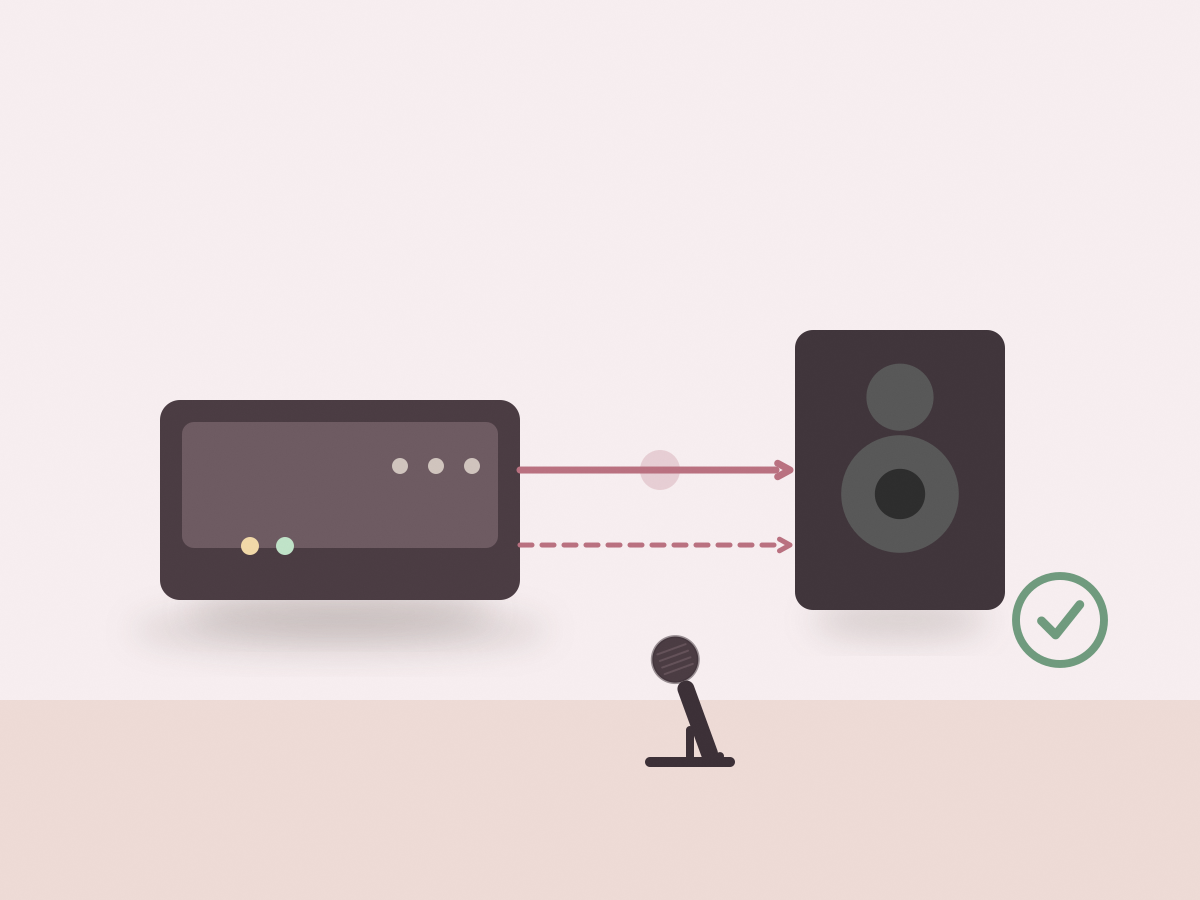
The receiver has to connect to something that makes sound: a TV, a soundbar, a home stereo, a powered speaker or a karaoke machine. The listing says the receiver is plug-in but does not name its outputs. That is the single most important missing detail, because a receiver with a 6.35 mm mixed output will not plug straight into a TV’s 3.5 mm auxiliary input without an adapter.
Ask for a photo of the rear panel. Look for the number and type of outputs, whether the output is fixed or adjustable, and whether a cable is included. If the output is a single mixed channel, both microphones will arrive at the same input, which is normal for karaoke. If the receiver offers separate channels, you have more control but also more cables.
Level matching matters as much as plug shape. A receiver output that is too hot can distort a small speaker; one that is too quiet forces you to turn the speaker up and raises the noise floor. Start with the microphone volume low and bring it up gradually rather than opening everything at once.
3. Place microphones and speakers to reduce feedback
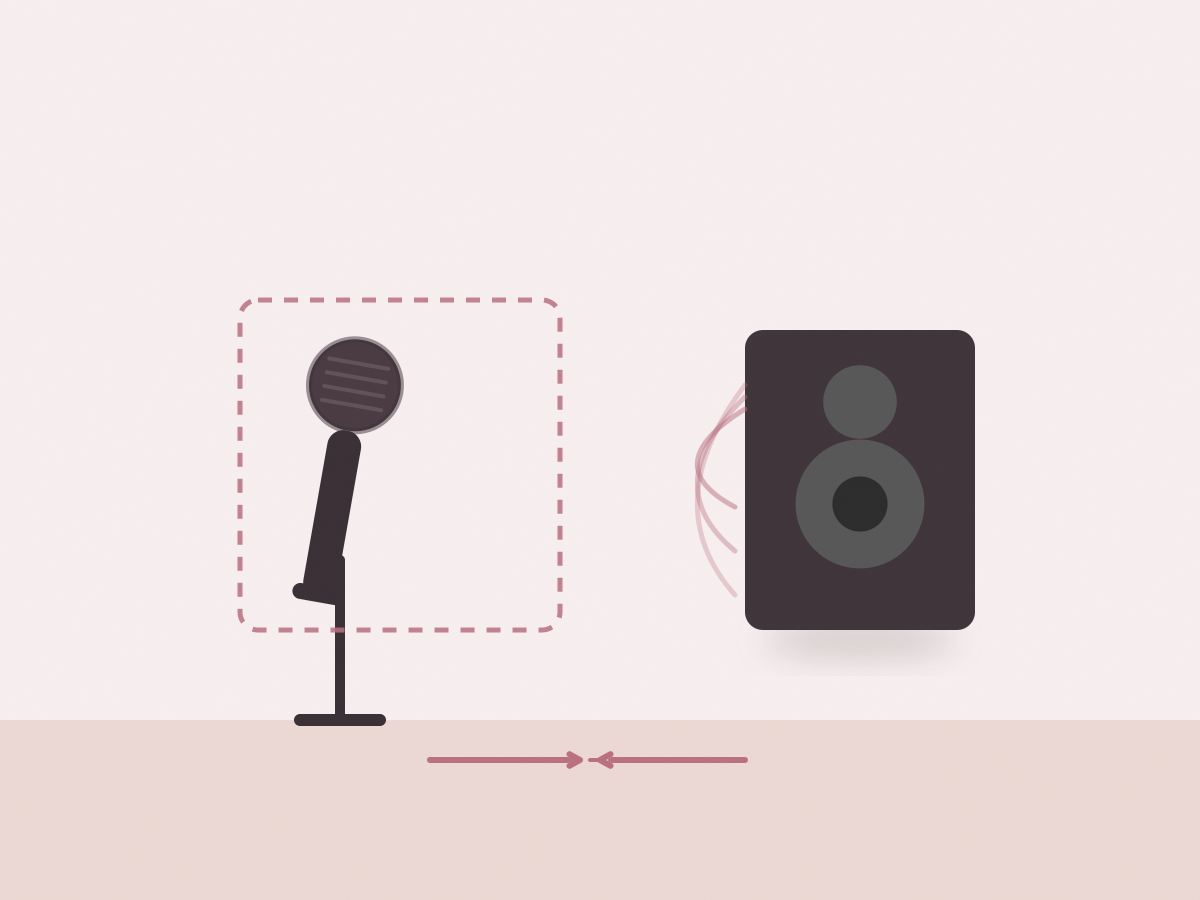
Feedback is the squeal you hear when a microphone picks up sound from its own speaker and the loop keeps growing. Cardioid dynamic heads are described as focusing on the singer and reducing surrounding noise, which helps, but placement does more than any pickup pattern.
Stand behind the speakers rather than in front of them, and point the microphone at your mouth, not at the speaker. Keep a reasonable distance between the microphone and the speaker cabinet, and avoid standing directly in front of a tweeter. If the room is small, angle the speakers slightly away from the singing position.
Volume discipline matters. A loud system in a small room is the classic feedback recipe. Raise the microphone level until you can hear yourself clearly, then stop. If you need more volume for the room, move the speakers further apart rather than pushing the gain.
Hard floors, glass tables and bare walls reflect sound. Curtains, a rug and soft furniture help. None of this is specific to the set, but it explains why the same microphones can behave well in one lounge room and badly in another.
4. Confirm power and included accessories
The listing states built-in rechargeable batteries in the 500 to 800 mAh range and around three to six hours of use, but it does not name the charging connector, the charging time or whether the receiver needs its own power supply. Ask before you plan a long event, and charge everything the night before.
Check what is in the box. The page mentions two microphones and a receiver but not cables, batteries for the receiver, a power adapter or a carry case. If a cable is not included, you may need a 6.35 mm to 3.5 mm adapter or a pair of RCA leads, depending on your system.
Battery care is simple: recharge after use rather than leaving the microphones flat for months, and store them somewhere dry. Do not leave them in a hot car. If a microphone will sit unused for a long period, charge it occasionally.
The dual UHF wireless microphone set can turn a TV and a soundbar into a karaoke setup, provided the receiver’s output matches your system. Confirm the output type, cables, channels and charging method before you buy.
Before you buy: a short checklist
- Ask for the receiver’s output type and a rear-panel photo.
- Confirm whether both microphones work at the same time.
- Check the channel options for interference avoidance.
- Ask whether audio cables are included.
- Confirm the charging connector and charging time.
- Check the receiver’s power source.
- Plan speaker placement before the first session.
- Check the current price, stock and shipping on the listing.
Two common questions
Can both microphones be used together?
The set includes two microphones and one receiver, and the listing describes duets and family karaoke. Ask how they pair and whether each has its own channel.
Which input does the receiver need?
The listing does not say. Check the rear panel for a 6.35 mm, RCA or 3.5 mm output, then match it to your TV, soundbar or amplifier.