
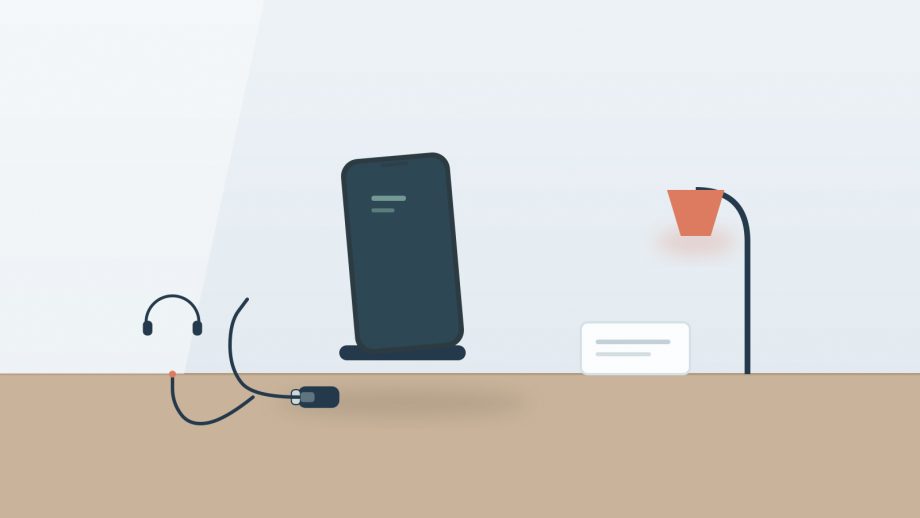
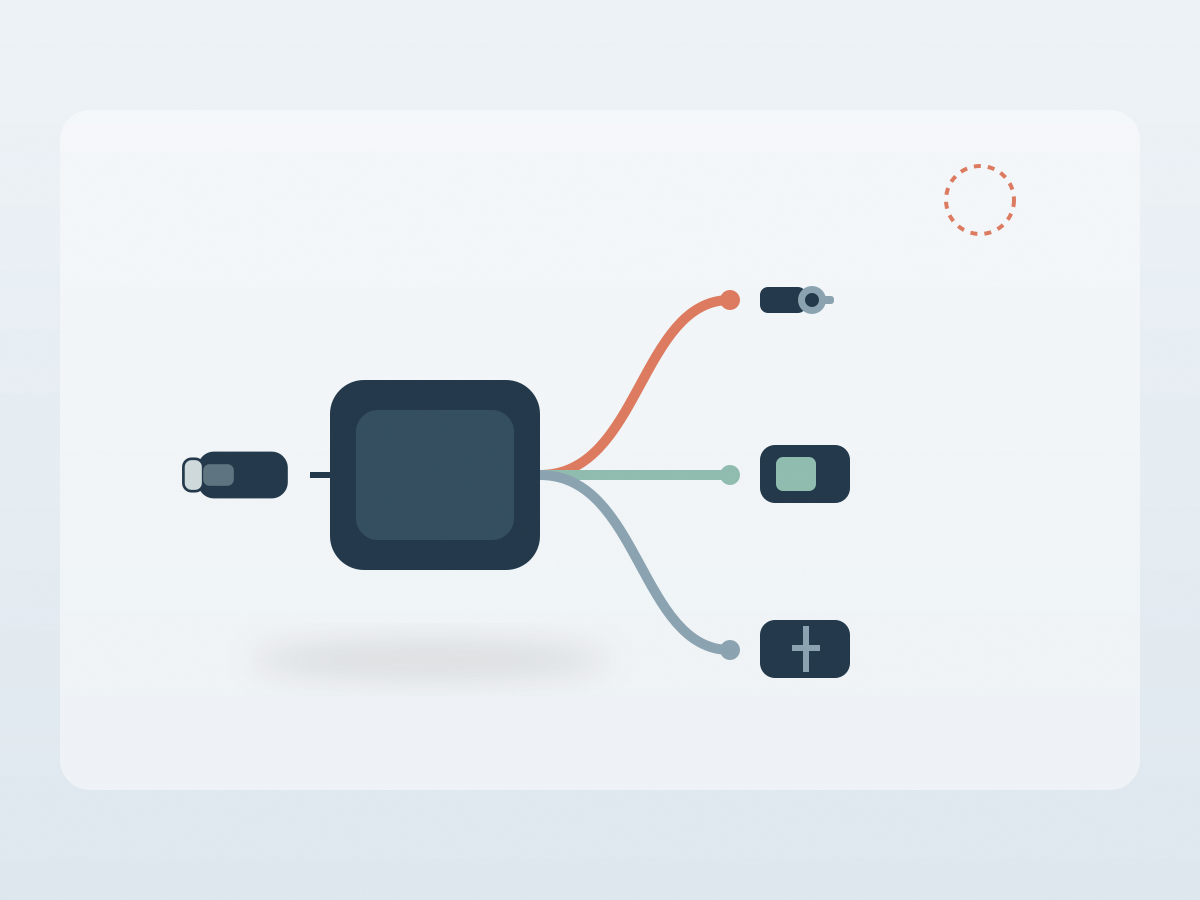
Before buying a USB-C audio and charging adapter, check four things: which ports it has, which of them can work at the same time, whether it will seat properly through your phone case, and what the charging claim really means. The OZShopper adapter lists a 3.5 mm headphone jack, a USB-C audio port and a USB-C charging port with power delivery up to 60 watts. It also states that USB-C and 3.5 mm headphones cannot be used at the same time, and that the charging port is for charging only. Those two limits matter more than the headline features.
1. Count the ports and decide what must work at once
A three-in-one adapter sounds flexible until you map your actual routine. If you listen on wired headphones while charging, you need the 3.5 mm jack and the charging port to work together, which this adapter is designed to do. If you want to compare two pairs of headphones, or run a USB-C headset and a 3.5 mm headset at once, the listing says that is not supported.
The USB-C audio port is best treated as an alternative output, not a second one. That is a sensible design for a small adapter, because it keeps the circuitry and the price down, but it is easy to misread the marketing as two simultaneous outputs.
Decide whether you need data as well. The listing describes the USB-C port as a charging port and does not mention file transfer, display output or Ethernet. If you want to connect a drive, a monitor or a card reader, this is probably the wrong accessory.
Also check the phone end. The adapter is described as plug and play with no driver, and the compatibility list includes recent USB-C iPhones, iPads, MacBooks and Samsung Galaxy phones. That is a broad list, but it is still a list rather than a guarantee for every model.
2. Check the fit: case, connector and pocket
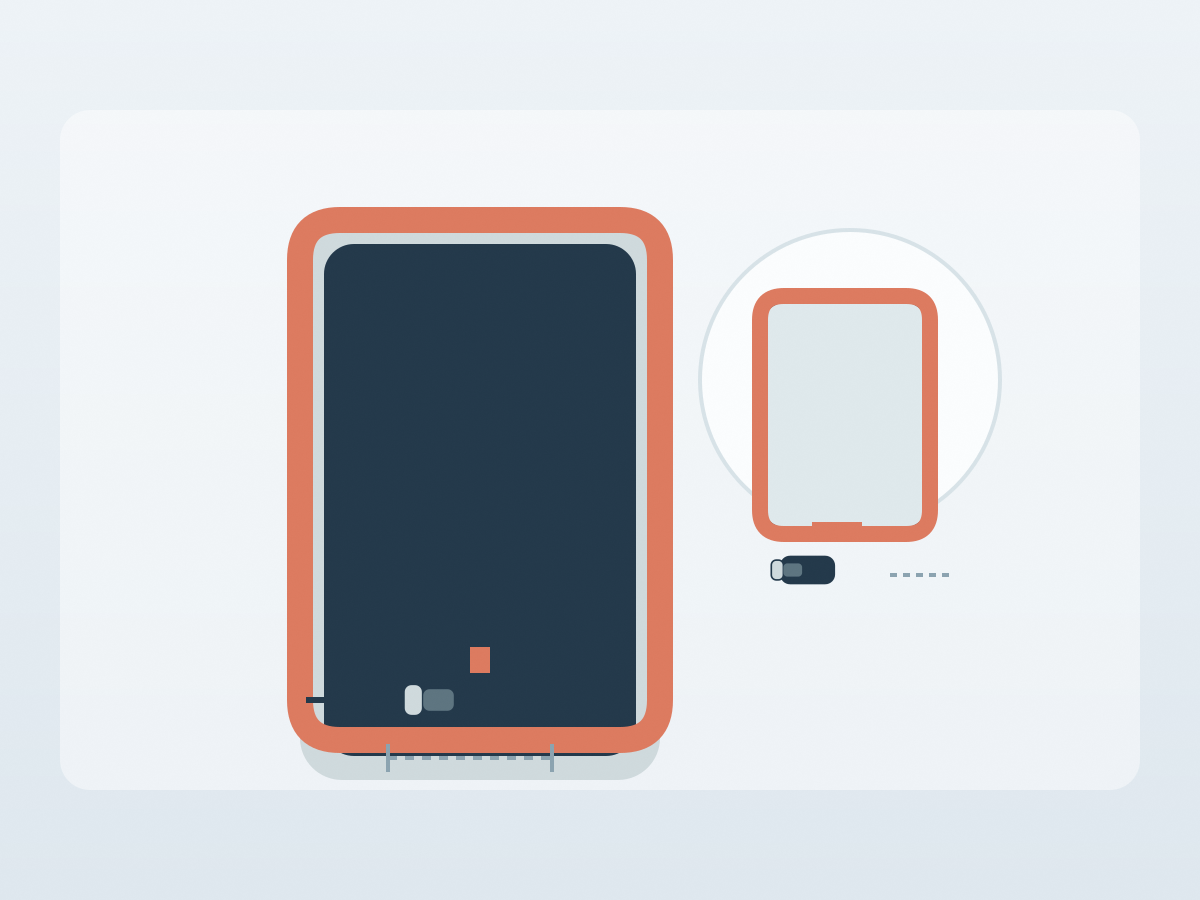
An adapter only works if it seats fully. A thick phone case, a raised camera bump or a narrow port cutout can stop the plug going all the way in, which produces intermittent audio or no charging at all. The adapter body in the listing is compact, but the phone end still needs clearance.
Try the adapter with the case you actually use. If the plug is short and the case is deep, you may need a case with a wider cutout or a short extension cable. Avoid forcing it, because the USB-C socket on the phone is soldered to the main board and is expensive to repair.
The cable length matters when the phone is in your hand. A very short adapter is neat in a pocket but can be awkward if you are charging from a wall socket while watching video. The listing gives packed dimensions of 14.5 by 6 by 1.5 centimetres and a weight of 20 grams, so it is small enough to leave attached, but a dangling adapter puts strain on the phone port.
3. Read the 60-watt claim carefully
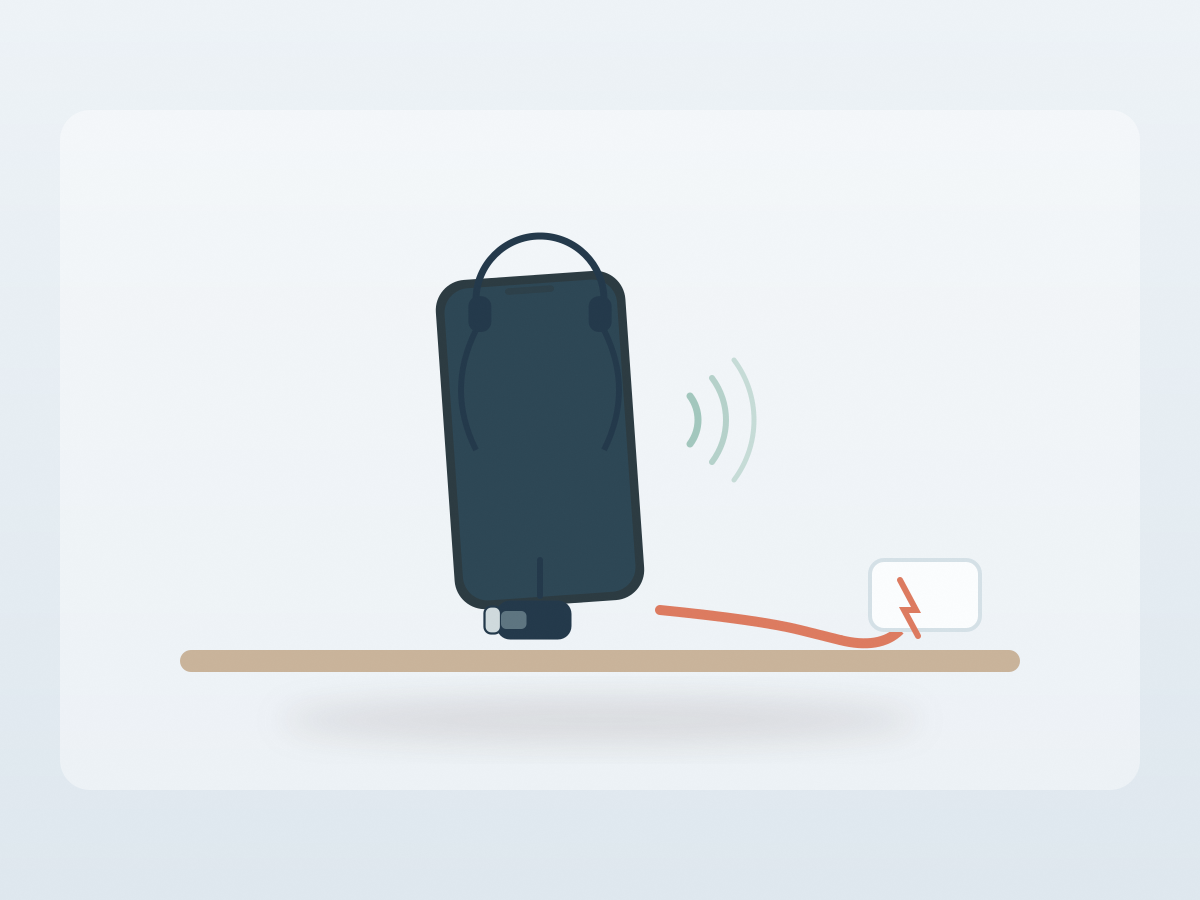
Power delivery up to 60 watts describes what the adapter can pass through, not what your phone will draw. The charger, the cable and the phone all negotiate the actual rate, and the lowest link in that chain sets the limit. A 60-watt adapter with a 20-watt charger still charges at 20 watts.
Use a charger and cable that are rated for the power you expect. If you plug in a basic 5-watt charger, the adapter will not turn it into a fast charger.
Heat is the other factor. Small adapters concentrate the charging circuitry in a tiny body, so they can feel warm during fast charging. That is normal within reason, but a hot connector, a smell or a cable that only works at one angle are reasons to stop using it.
4. Set realistic expectations for audio quality
The listing describes Hi-Fi audio, which is a marketing phrase rather than a specification. It does not state which digital-to-analogue converter is used, what sample rates are supported, or whether the adapter passes microphone signals. Those are the details that decide whether a headset’s inline mic and buttons work.
If you only need to listen, the adapter should be fine with ordinary 3.5 mm headphones. If you need to take calls, check microphone support before you buy, because a headset can play audio perfectly and still leave you unheard. The listing does not mention a mic pass-through.
Volume control is another uncertainty. Some adapters pass the headset’s buttons through, some do not, and some only work with certain apps. The page does not say, so test the controls as soon as the adapter arrives.
The USB-C to 3.5 mm headphone and charger adapter is a practical fix for a phone without a headphone jack, as long as you accept one audio output at a time and a charge-only power port. Check the case fit and the charger rating before you rely on it daily.
Before you buy: a short checklist
- Confirm you only need one audio output at a time.
- Check that your phone case leaves room for the plug.
- Confirm the charging port does not carry data.
- Match the charger and cable to the power you need.
- Ask whether headset microphones and buttons work.
- Test for heat and intermittent contact in the first week.
- Check the current price, stock and shipping on the listing.
Two common questions
Can you use USB-C and 3.5 mm headphones together?
The listing says no. Treat the adapter as one audio output plus one charging input, not as a two-person listening splitter.
Will it fast-charge a laptop?
The adapter is rated to pass up to 60 watts, but the actual rate depends on the charger, cable and device. Check each part of the chain rather than the adapter alone.