
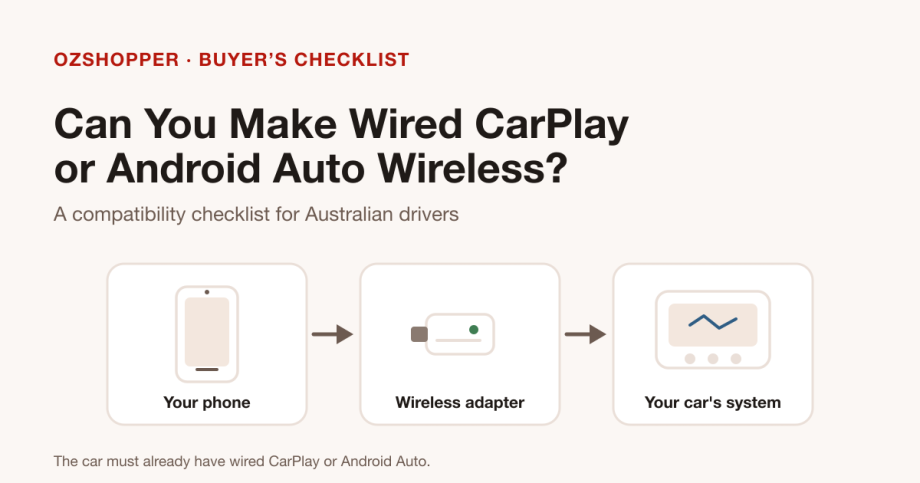
Wireless CarPlay and Android Auto adapters are sold as a simple upgrade: leave the cable at home and let your car’s screen wake up on its own. Whether that works for you comes down to one qualification that matters far more than any feature list.
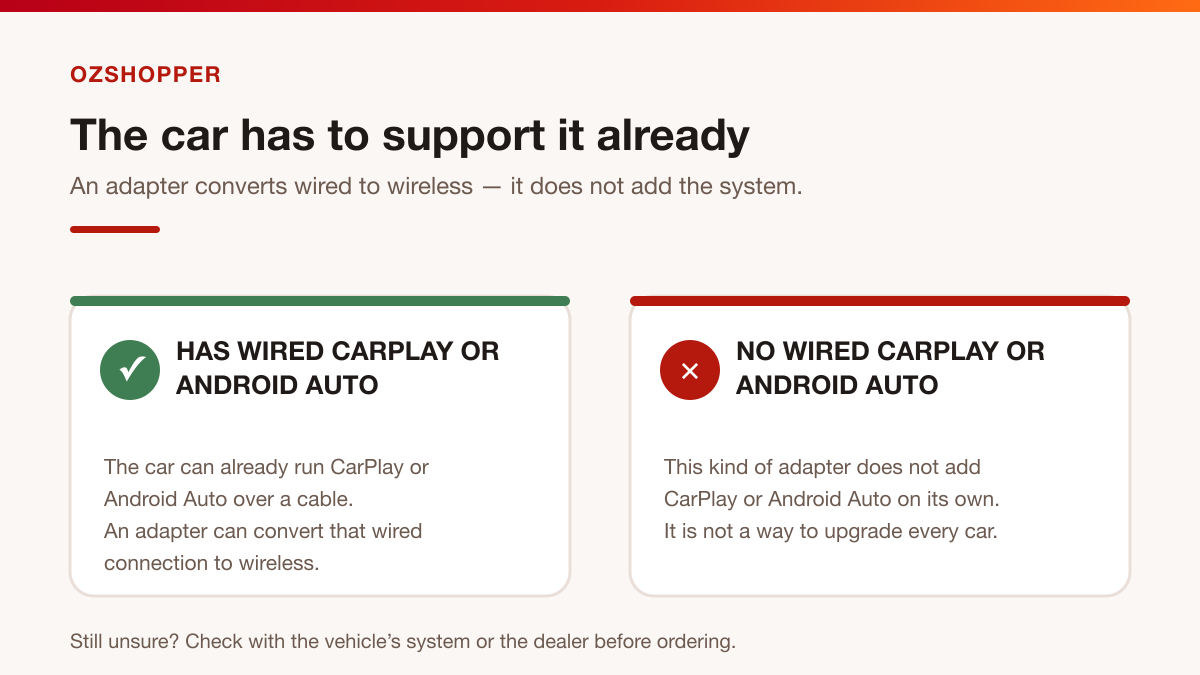
A wireless adapter is designed for a car that already runs CarPlay or Android Auto over a cable. It converts an existing wired connection into a wireless one. It is not a way to add CarPlay or Android Auto to a car that never had it. If your vehicle offers only Bluetooth audio or a basic USB media mode, an adapter of this kind will not create the system for you.
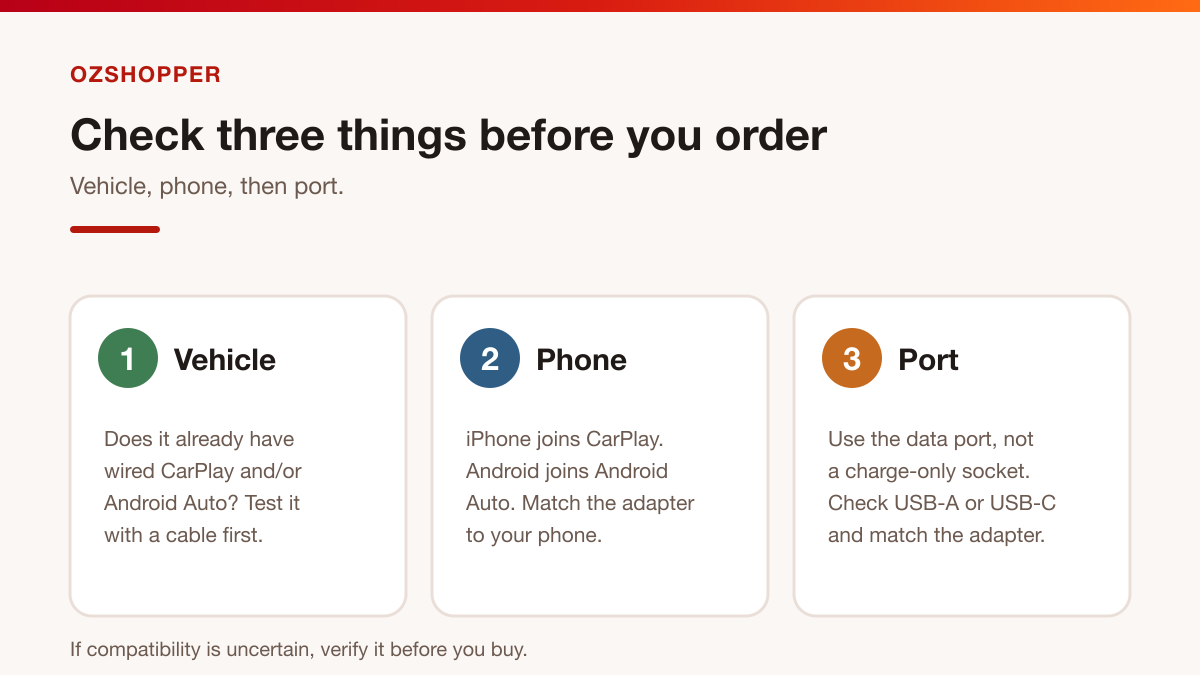
So the useful question is not “which adapter is best?” but “does my car already support the wired version I want to use?” Here is what to check before you order.
The one thing that decides everything
Every adapter in this category sits between your phone and the car’s infotainment system. The car still runs CarPlay or Android Auto; the adapter simply carries that same connection over wireless instead of a cable.
That means two situations can look similar but behave very differently:
- Your car already supports wired CarPlay and/or Android Auto — an adapter has something to convert.
- Your car has no wired CarPlay or Android Auto — there is nothing to convert, and the adapter cannot add the system.
Before anything else, work out which of these describes your vehicle. The quickest test is to plug your phone into the car with a cable and see whether CarPlay or Android Auto launches on the screen.
Before you buy: check the vehicle
Start with the car, because it sets the limits of what any adapter can do.
- Which wired system is built in? Some cars have wired CarPlay only, some have wired Android Auto only, and some have both.
- Is it factory-installed? The CarPlay-only adapter linked below is listed for vehicles with factory-installed wired CarPlay specifically. Aftermarket head units and retrofitted systems can vary, so read the listing’s compatibility notes before ordering.
- Does the wired system work reliably today? If the cable connection is already temperamental, sort that out first. An adapter inherits the same system beneath it.
- Check the manual or the dealer. Model-year and trim differences are common. If you are unsure, verify rather than assume.
Check the phone
CarPlay is Apple’s system and Android Auto is Google’s, so the adapter has to match the phone you actually carry.
- iPhone: CarPlay adapters are built for iPhones. The CarPlay-only adapter states support for iPhone 6 or newer with iOS 10 or later, and is not compatible with Android phones.
- Android phone: Android Auto adapters are built for Android phones. The iPhone-only adapter above will not work with them.
- Household with both? A 2-in-1 adapter that supports CarPlay and Android Auto is the more flexible choice, so the same dongle covers an iPhone and an Android phone.
- One phone at a time: at least one of the listings notes that it pairs with a single phone at a time. If several people share the car, check how each listing handles switching between devices.
Check the connection port
The adapter plugs into the port you would normally use for a cable, so the port matters as much as the car does.
- Use the data port, not a charge-only socket. Many cars have several USB points, but often only one is wired for CarPlay or Android Auto. Check the manual or the port labelling.
- Match the connector. Cars use USB-A, USB-C, or both. The 2-in-1 adapter is listed with USB-A and USB-C support and includes a USB-C adapter in the box.
- Check clearance. A dongle protrudes from the port, so make sure it will not be knocked or pinched in a tight centre console.
CarPlay-only or CarPlay-and-Android-Auto?
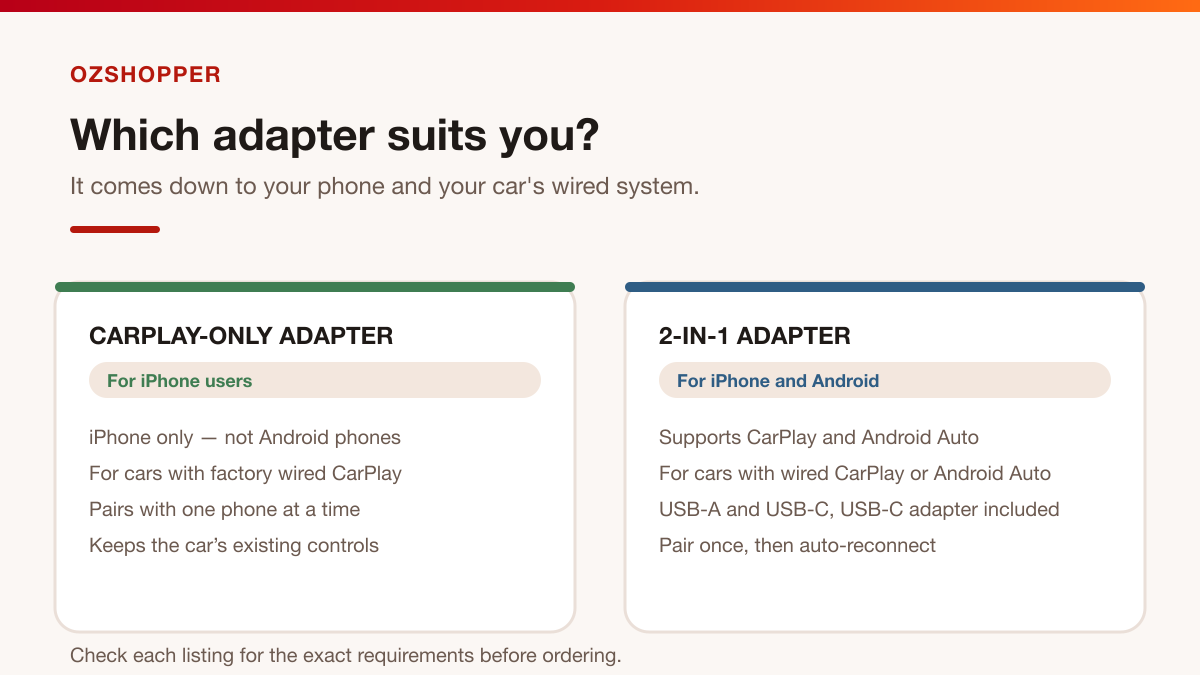
Both adapters do the same core job — they convert a wired connection to wireless — so the choice usually comes down to your phone and the car’s wired system.
| CarPlay-only adapter | 2-in-1 adapter | |
|---|---|---|
| Phone | iPhone only | iPhone and Android |
| Car’s wired system | Factory wired CarPlay | Wired CarPlay or Android Auto |
| Connector | See the listing | USB-A and USB-C, USB-C adapter included |
| Best for | iPhone households with wired CarPlay | Mixed-phone households or either wired system |
Choose the CarPlay-only adapter if everyone who drives the car uses an iPhone and the car has factory wired CarPlay. It is the more focused option, and its listing notes that it keeps the car’s original controls such as the touch screen, knobs, steering wheel buttons and Siri access.
Choose the 2-in-1 adapter if you want CarPlay and Android Auto in one device, or if the car has either wired system and you may switch between an iPhone and an Android phone. Its listing describes plug-and-play pairing, automatic reconnection and dual-band wireless.
Neither adapter adds a system your car does not already have, and neither adds features the wired system does not support. One listing, for example, notes that it does not add video playback.
A cautious setup overview
Exact steps vary between cars and phones, so treat this as a general outline and follow your vehicle’s own instructions whenever they differ.
- Park safely and switch the ignition or accessory mode on so the infotainment system is active.
- Plug the adapter into the car’s CarPlay or Android Auto data port — the same port you would use for a cable.
- Pair once. Turn on Bluetooth on your phone (and Wi-Fi if the system asks for it), then pair with the adapter when it appears. Approve any prompts shown on the car’s screen.
- Wait for the system to launch and confirm that CarPlay or Android Auto appears on the head unit.
- Reconnect next time. After the first pairing, these adapters are designed to reconnect automatically. If yours does not, re-check the wired system, re-pair, and confirm compatibility before assuming a fault.
If something does not connect, it is usually a compatibility or pairing question rather than a hardware fault. Work through the three checks above — vehicle, phone and port — before deciding the adapter is the problem.
Three common questions
Will an adapter add CarPlay or Android Auto to my car?
No. These adapters only convert an existing wired CarPlay or Android Auto connection to wireless. If your car has never supported the wired version, an adapter cannot add it.
My car has wired CarPlay but I use Android — can I get wireless Android Auto?
Only if the car also supports wired Android Auto. If the vehicle is wired CarPlay only, an adapter cannot create Android Auto. Check which wired systems the car has first, then choose an adapter that matches both the car and your phone.
Do I still need to keep a cable in the car?
For everyday driving, the point of an adapter is to drop the daily cable. Many drivers still keep one handy for setup, troubleshooting, or as a fallback if the wireless connection misbehaves. Because some cars charge slowly over a wireless-only setup, a cable can also be useful on longer trips.
The short version
- A wireless adapter converts wired CarPlay or Android Auto to wireless — it does not add the system.
- Check three things: the vehicle’s wired system, your phone, and the data port and connector.
- CarPlay-only suits iPhone households with factory wired CarPlay.
- CarPlay-and-Android-Auto suits mixed-phone households, or cars with either wired system.
- If compatibility is uncertain, verify it before ordering.